By nearly all objective measures, the ROG Ally is better than the Steam Deck. It has solid battery life, a nicer screen, more power, and Windows 11, allowing it to access a much wider library of games than the Steam Deck offers. After four months of using both devices, though, I’m fine keeping my Steam Deck.
That might surprise you, especially if you caught my ROG Ally review when I first took a look at the device nearly four months ago. I even tried replacing my desktop with the device on the strength of Asus’ impressive XG Mobile. But after using the ROG Ally for just about every purpose possible, I’ve been picking up my Steam Deck to play games.
What you want, what you need
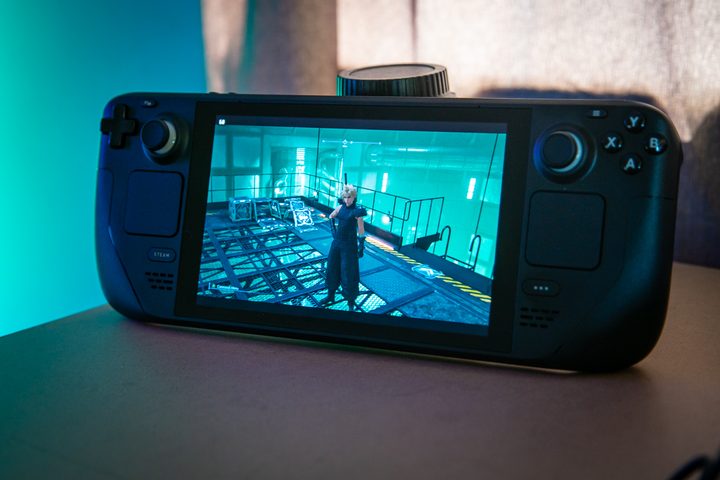
Let’s get this out of the way upfront: In you don’t have a PC, and you don’t already own a Steam Deck, the ROG Ally is your best bet. It’s faster, supports Windows, so on and so forth. But if you already have a gaming device you’re satisfied with, be it a PC or a current-gen console, the Steam Deck is ideal.
This really comes down to performance. The ROG Ally may be able to run Cyberpunk 2077 faster than the Steam Deck, but the strength of both devices doesn’t lie in those massive, AAA experiences that are best suited for a TV or monitor. There are reasons games like Vampire Survivors, Dead Cells, Hades, and Dredge top the list of the most played Steam Deck games.
Those AAA experiences still have their place — titles like Elden Ring and The Witcher 3 are among the best Steam Deck games you can play — but it’s the smaller, less expansive titles where the Steam Deck shines. It’s not all about raw power, and the Steam Deck offers enough performance to play those massive games when you want to burn through your battery in an hour or two.

The ROG Ally certainly runs them better, but it’s hard to base any performance conclusions solely around the most demanding titles these devices can run. A good chunk of the games you’ll play will likely run identically on both devices.
That’s where the Steam Deck wins. It’s just powerful enough to serve as your handheld companion if you have another device where you play your games. I do, and I’m always going to choose to play demanding games on another platform versus my Steam Deck. If I absolutely need to pick up some time in a game like Resident Evil 4 or Hogwarts Legacy, I’m fine trading some performance with the device.
Still a work in progress
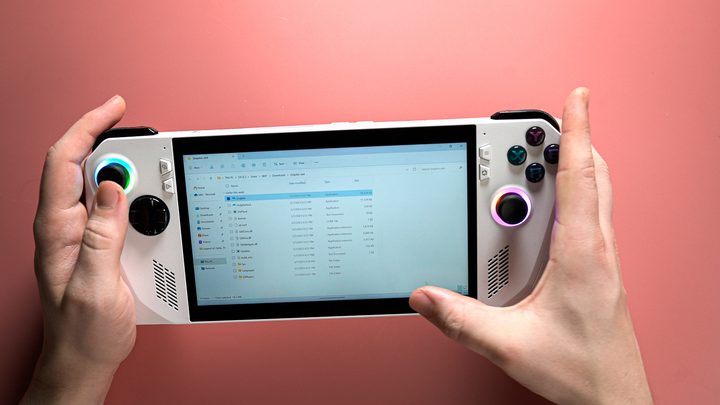
Both the ROG Ally and Steam Deck have seen a barrage of updates since they launched, but the ROG Ally still feels like a work in progress. Two months after the device launched, Asus admitted it could fry micro SD cards. And constant tweaks to performance meant myself, along with dozens of other reviewers, had to update their reviews due to the fact that the device ran slower than it did back when it first released.
Asus is releasing new updates for the handheld, but it doesn’t feel like the company has found its footing yet. It still feels experimental, with new options being added to the Armoury Crate overlay, others being tweaked, and performance shifting from update to update.
I’m glad to see Asus continue to work on the device to improve it, but Valve is mostly past that step in the Steam Deck’s journey. New updates continue to add features and improve stability instead of focusing on putting out fires. For instance, suspending a game now syncs with the Steam Cloud so you are aware of any file conflicts. And a dreaded battery bug, which plagued some Steam Decks with only minutes of battery life, seems to have been fixed.
Valve is also much faster to fix issues on the Steam Deck, even if they’re only impacting a small number of users. In August, for example, Valve released seven updates for the Steam Deck. In July, when the ROG Ally saw its last big BIOS update, Valve released 11 updates. The Steam Deck still has its quirks, but it finally feels like the stable device Valve originally promised. The ROG Ally isn’t there yet.
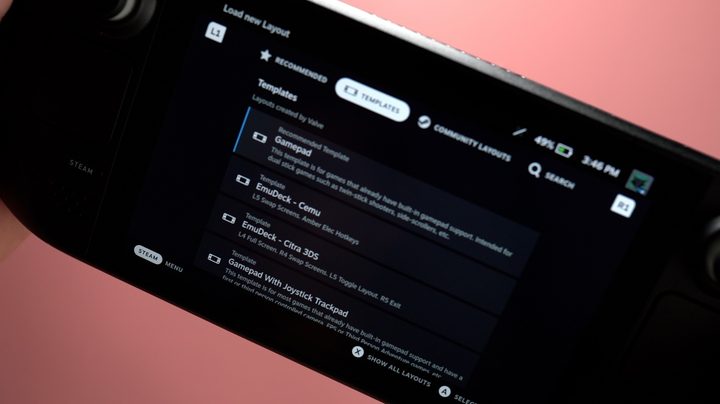
I can’t overlook the Deck Verified program, either. It’s a fantastic way to quickly check if upcoming games will run on your device, and the ROG Ally doesn’t have anything like that. The ROG Ally allows you to install games from anywhere, but that also means you’ll have to just try the game to see if it’ll work. If you see the green checkmark on a Steam Deck, you know you’re good to go.
I’ll give you an example. Forza Horizon 5 was one of the games I was most looking forward to on the ROG Ally due to the fact that it’s available on Game Pass and I don’t own the game on Steam. It runs great on the ROG Ally, but I have to boot it up and force close it a few times before it actually loads. In fairness, this is a problem I see with the Xbox app on PC in general, but the fact remains that on the Steam Deck, I press Play, and games will load up free of issues the vast majority of the time, especially if they’re Verified.
A handheld companion
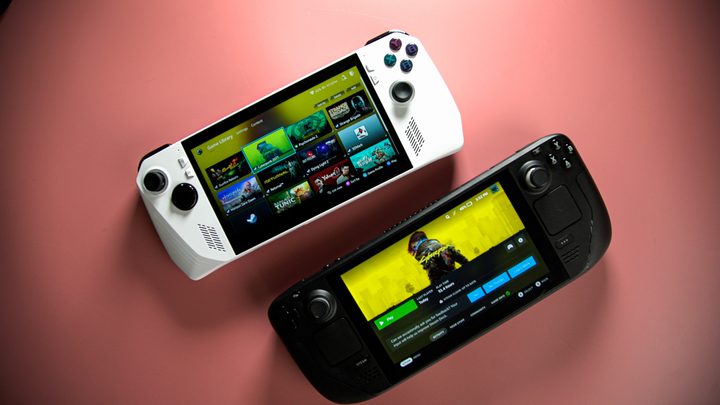
There are some folks who only have one device for gaming, and if you must have a handheld gaming PC, the ROG Ally is for you. But frankly, I don’t think you should buy either if you only need one device. Buy a PlayStation 5 or Xbox Series X instead. They’re around the same price, and you’ll get a much better experience.
For me, and I imagine many Steam Deck and ROG Ally owners, they’re companions to a dedicated, stationary gaming setup. In that situation, the Steam Deck wins due to its consistent updates, excellent game support program, and power that meets the threshold for performance without going overboard. It’s even easier to recommend now, too. Refurbished Steam Decks are available for as little as $320, while you’ll need to spend more than double that to pick up an ROG Ally.