  1. Home
  2. Computing
  3. News

Alexa+ just quietly became way more useful, if your gadgets are on this list

Your smart home is about to get a whole lot smarter.

Add as a preferred source on Google
Adult, Male, Man
Amazon

You might have asked Alexa to do plenty of dumb things over the years, but “figure out which of my washer’s 30 cycles actually means cold wash” might not have been one of them.

Turns out, Amazon just built the toolkit that makes exactly that possible, and it’s rolling out across a genuinely huge list of brands today.

So what’s actually changing for your smart home gadgets?

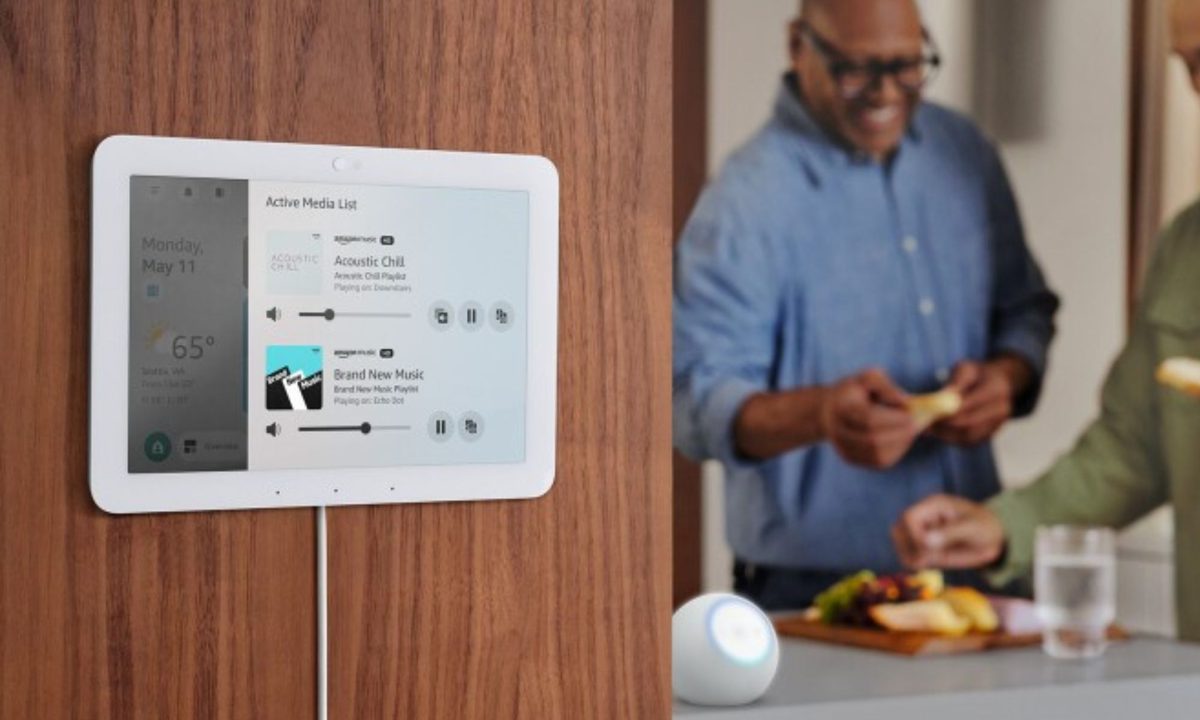
Amazon’s launching a new AI-powered smart home developer toolkit that lets device makers plug their full feature set into Alexa+ instead of forcing you to dig through app menus yourself. 

Recommended Videos

Amazon says customers who upgrade to Alexa+ already boost their smart home engagement by nearly 50% in the first month. This toolkit is clearly aimed at pushing that number higher. 

The washer example above is real. Tell Alexa your kid’s soccer jersey needs a deep clean but only allows cold water, and it’ll pick the exact cycle for you. For now, devices from Bosch, Whirlpool, iRobot, Govee, Yale Home, and Eufy are supported.

What about booking, spending, and third-party apps?

Amazon’s also adopting the Model Context Protocol (MCP), letting brands bring their own MCP server so Alexa+ can inspect it and hand developers a ready-to-build integration path. Priceline, Lyft, Headspace, and Virgin Atlantic are among the first testing this (later in the year). 

Pair that with the new Amazon Wallet, which lets you check out instantly using your saved Amazon payment method, and companies like Atom Tickets and Fandango are already building ticket-buying flows around it.

Everything here is still labeled Preview, so expect a slower public rollout than the announcement makes it sound. Amazon’s push toward MCP support puts Alexa+ in the same architectural camp as Anthropic and OpenAI’s agentic tooling, treating voice assistants as orchestration layers rather than standalone apps.

Shikhar Mehrotra
For more than five years, Shikhar has consistently simplified developments in the field of consumer tech and presented them…
These are the mice I’d recommend for Back-to-school
The right mouse can outlast an entire degree. These are the ones worth picking up.
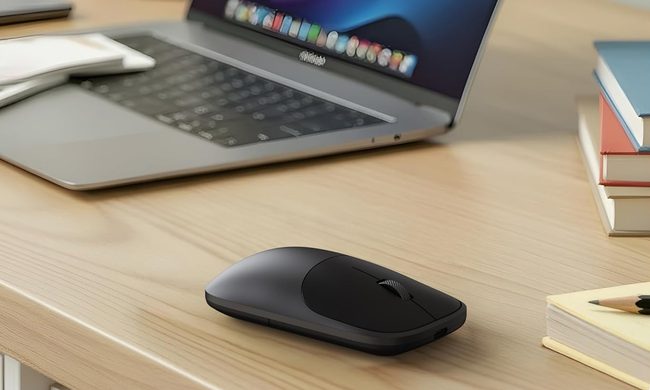
Satechi Slim EX Wireless Mouse These Are the Mice I'd Recommend for Back-to-School featured

A good mouse doesn't get nearly as much attention as a laptop, but it's one of those upgrades that quietly makes a difference every single day. Whether it's powering through assignments, editing photos, attending online classes, or squeezing in a few rounds of Valorant after lectures, the right mouse can make long hours at a desk far more comfortable. After looking through this year's options, these are the five mice I'd actually recommend for the Back-to-School season. They each serve a different purpose, which means there's something here whether gaming, productivity, or portability is the priority.

Satechi Slim EX Wireless Mouse

Read more
Framework is downgrading some Laptop 13 Pro orders after a massive RAM cost spike
Some Laptop 13 Pro buyers will receive less memory than they originally selected
Framework laptop 13 pro in black

Framework delivered rare good news last month when it found a cheaper and better SSD for the Laptop 13 Pro. The situation has now swung sharply in the other direction, as soaring LPCAMM2 costs are forcing the company to change some existing preorder configurations.

Framework says prices from its memory supplier have more than doubled compared to its previous inventory, far beyond the low-to-mid double-digit increase it had expected. The company has enough modules to cover existing orders overall, but not enough in the right mix of 64GB, 32GB, and 16GB capacities.

Read more
How to set up selfie video sign-in for your Google account
Your face can now serve as a way to get back into your Google account. Here's how to set it up.
Google account selfie sign in tutorial featured

Losing access to a Google account is rarely a quick fix, but Google has been actively working to make things easier. Last year, the company introduced a feature called Recovery Contacts that lets you designate a trusted friend or family member to verify your identity if you ever get locked out. Now, Google has introduced a new option, one that uses your face to get you back in instead of a phone call to a friend.

Like Recovery Contacts, the new selfie video authentication feature requires some setup before you can use your face to sign into your Google account. This involves recording the reference video that Google will use to verify your identity whenever you attempt to log in this way. Here's how to set up selfie video sign-in for your Google account.

Read more