Dell’s new XPS 13 recently gave me renewed hope for affordable Windows laptops. Its $699 starting price. Its sharp touchscreen display and compact aluminum design make it a compelling alternative to the MacBook Neo. But at the same event, Dell had more in store for us.
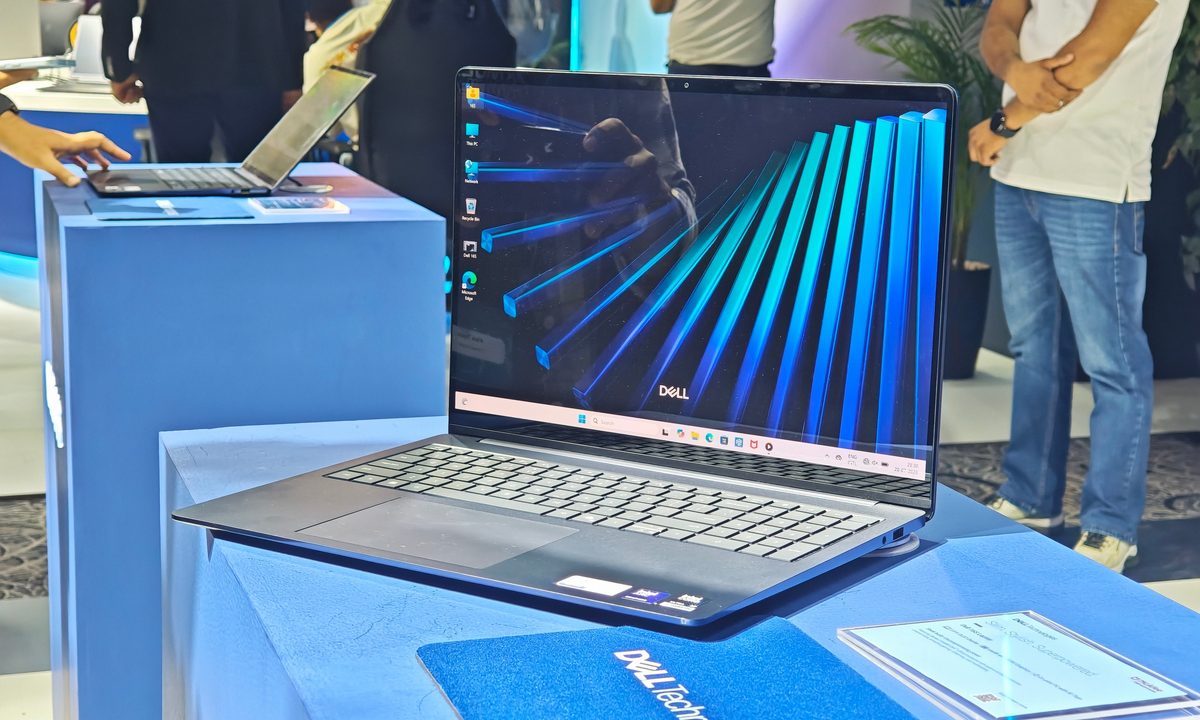
I also spent time with the Dell 14S and Dell 16S, which are two laptops that target buyers who like the XPS 13’s slim and polished approach. These two laptops target buyers who like the XPS 13’s slim and polished approach but need more performance, a larger battery, or a roomier display. They also occupy an interesting position in Dell’s lineup. With prices just a couple of hundred dollars above the XPS 13 in the US, the duo sit right between the inexpensive XPS 13 and below the far more premium XPS 14.
After trying out both, I know which one I’d choose.
Two premium designs with different priorities
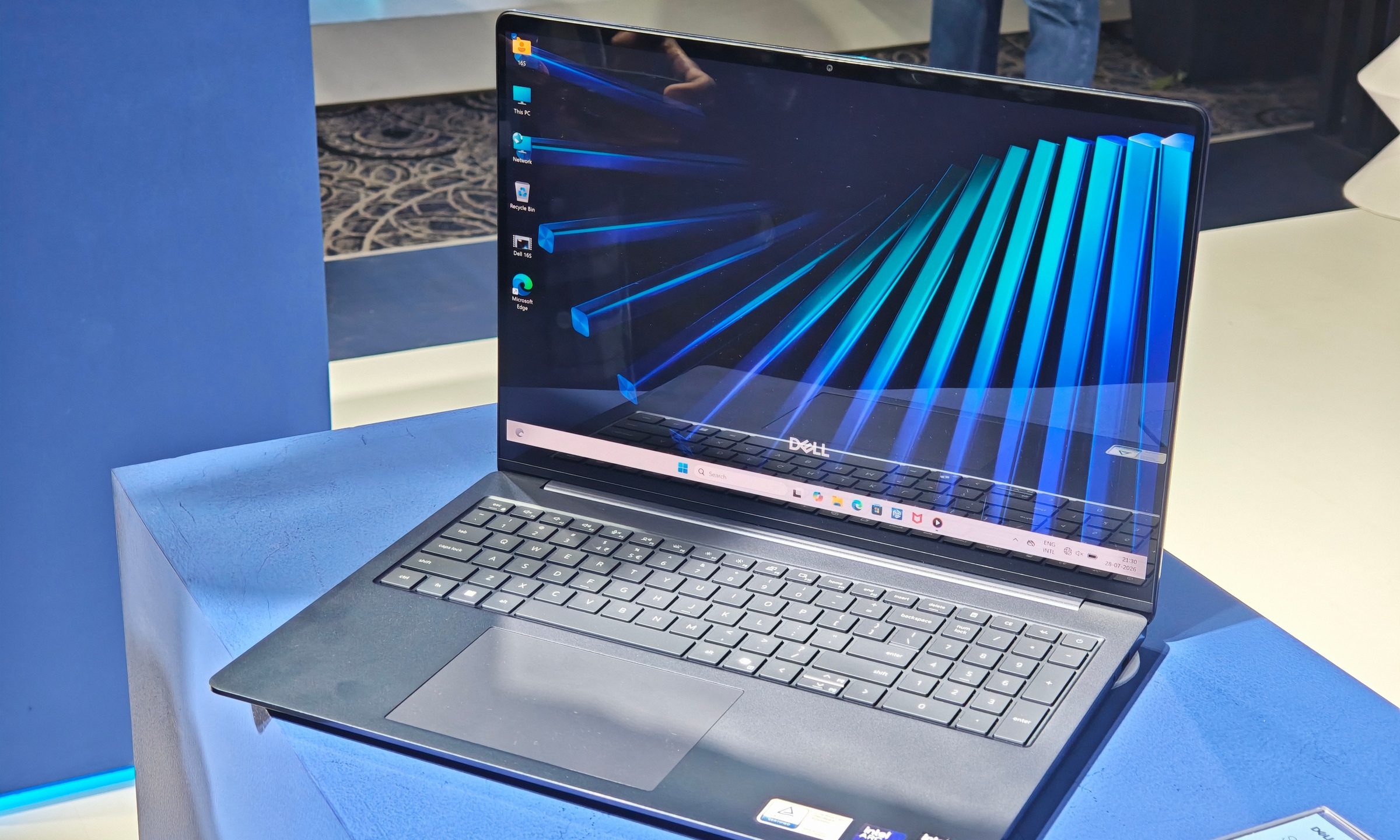
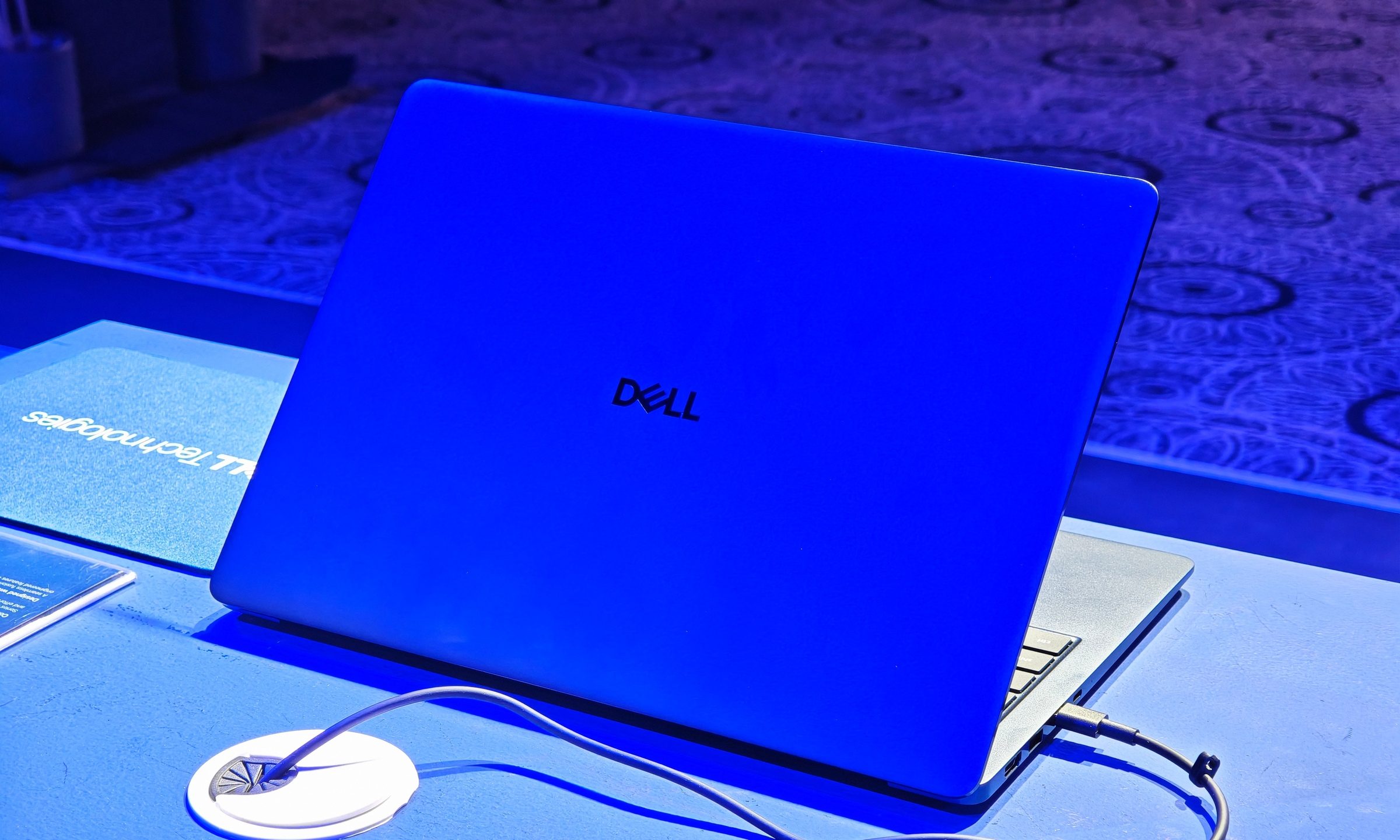
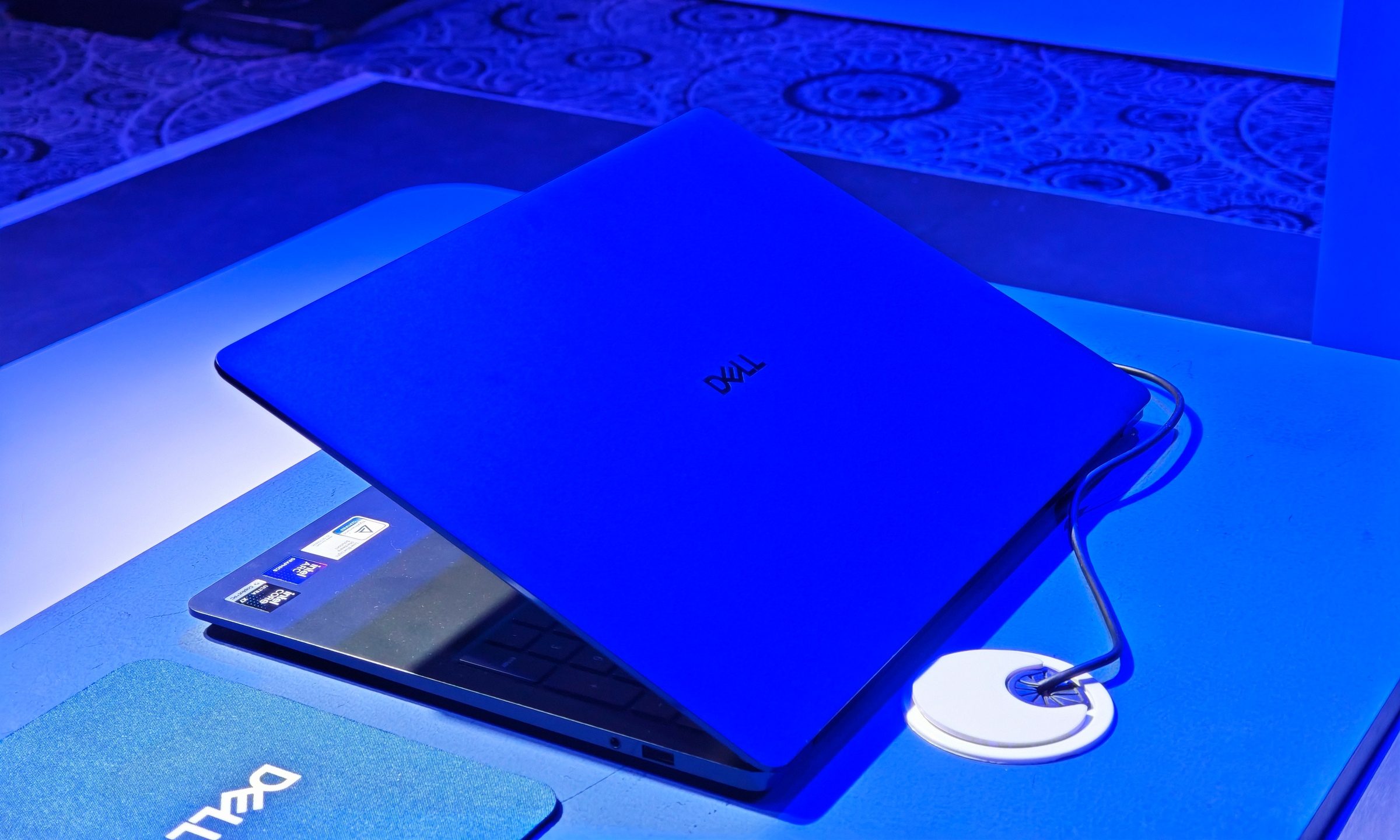
The Dell 14S and 16S share a straightforward aluminum design that gives them a more premium presence than their prices might suggest. Both machines appeared robust during my hands-on session, with clean finishes and enough rigidity to inspire confidence. At 15.4mm thick, they are impressively slim for laptops carrying 70Wh batteries and higher-performance processor options. The main difference is weight. Dell lists the 14S from around 1.49kg, depending on the display, while the 16S starts at 1.79kg and rises further with a touchscreen.
Dell’s 16S model remains relatively slim, but its larger footprint makes it better suited to someone who spends most of the day at a desk. Its 16-inch display, full-size keyboard, and numeric keypad provide more working room for spreadsheets, creative apps, and heavier multitasking. Meanwhile, the 14S strikes a better balance for my needs. It is noticeably easier to move around, yet its larger chassis gives the keyboard deck more room than the tiny XPS 13. The keys had better feedback during my brief typing experience, and the layout seemed less cramped.
Both laptops also retain a practical collection of ports. You get two Thunderbolt 4 connections, two USB-A ports, HDMI 2.1, and a headphone jack. This is a substantial upgrade over the XPS 13’s two-port setup and reduces the need to keep a dongle nearby.
The OLED screens lift the experience
The demo units I handled appeared to use touch-enabled OLED displays, with the 16S carrying its top 2.8K panel. Both looked sharp, bright, and responsive under the harsh lights of the venue. Touch input tracked accurately, and the high refresh rate kept scrolling and navigation snappy. Dell offers displays reaching 120Hz on both models, but the exact experience depends on the configuration.
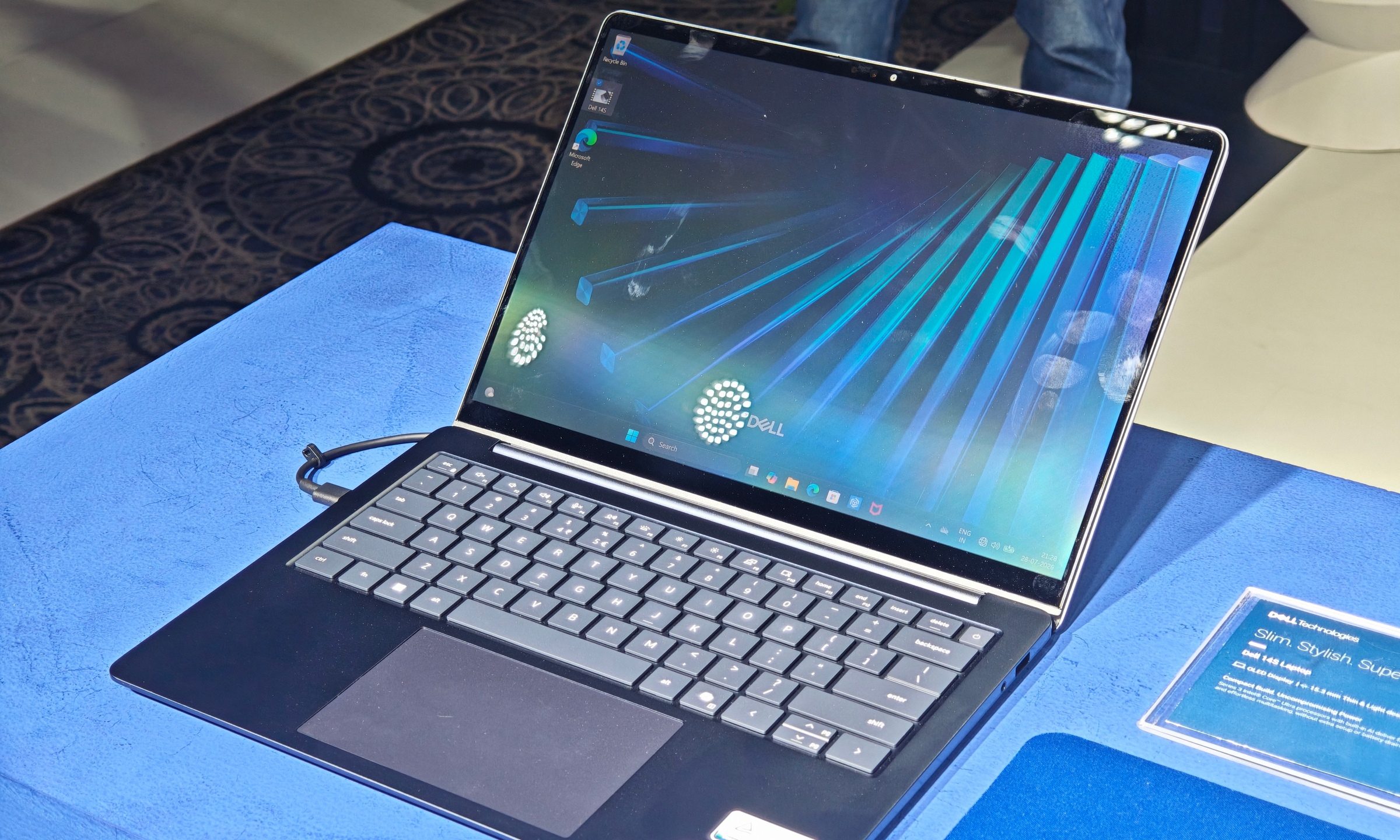
The anti-glare treatment was another welcome inclusion. Event lighting tends to expose reflective laptop screens quickly, but the panels remained easy enough to view despite the overhead glare. The 14S can be configured with FHD+ touch or non-touch displays and a 2560 x 1600 option, alongside its FHD+ OLED panels, while the 16S offers similar LCD configurations before stepping up to its 2880 x 1800 touch OLED.
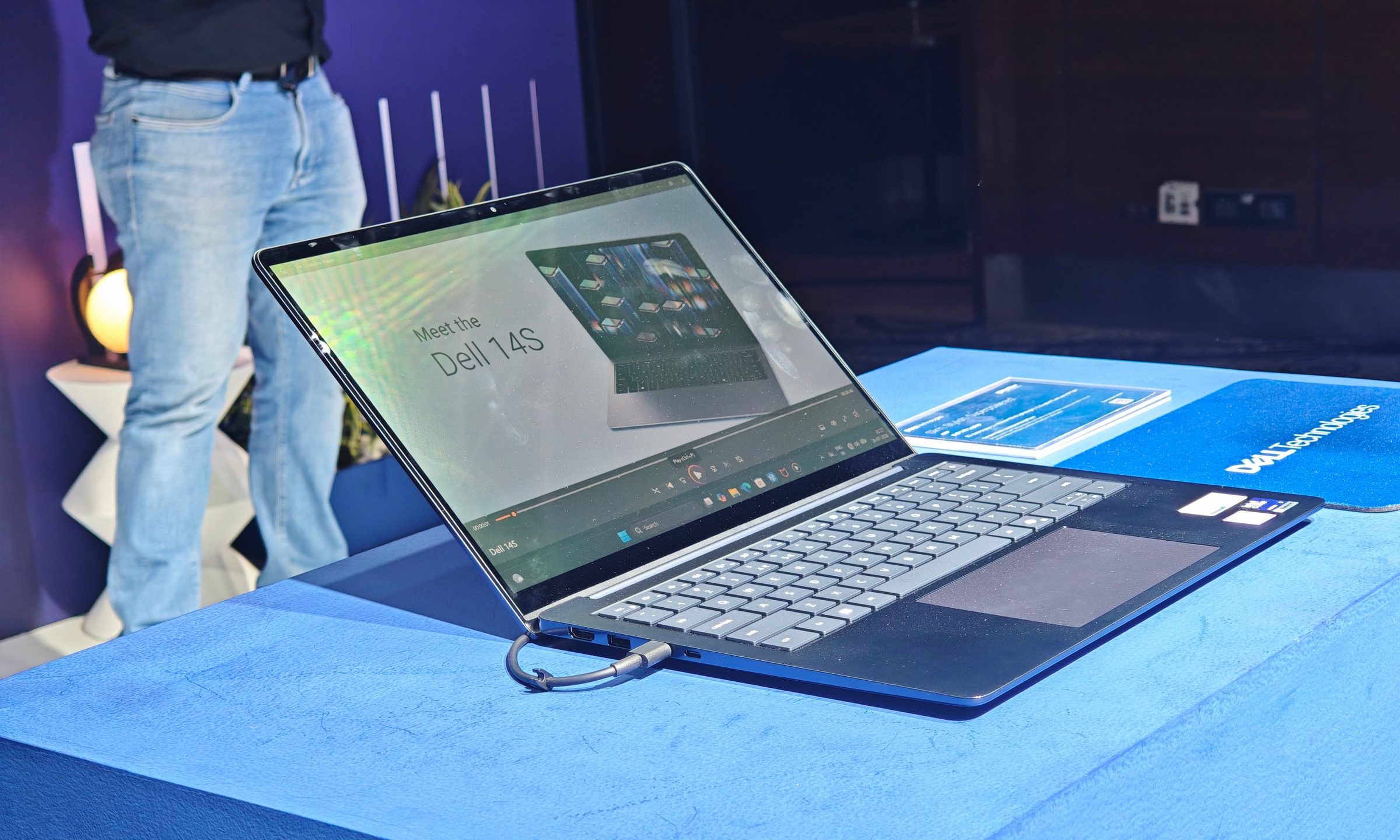
These options also help explain where the laptops sit within Dell’s range. The XPS 13 offers an impressive LCD screen for its price. The 14S and 16S add OLED, more screen space, and broader configuration choices without reaching the XPS 14’s higher starting point.
There should be plenty of performance headroom
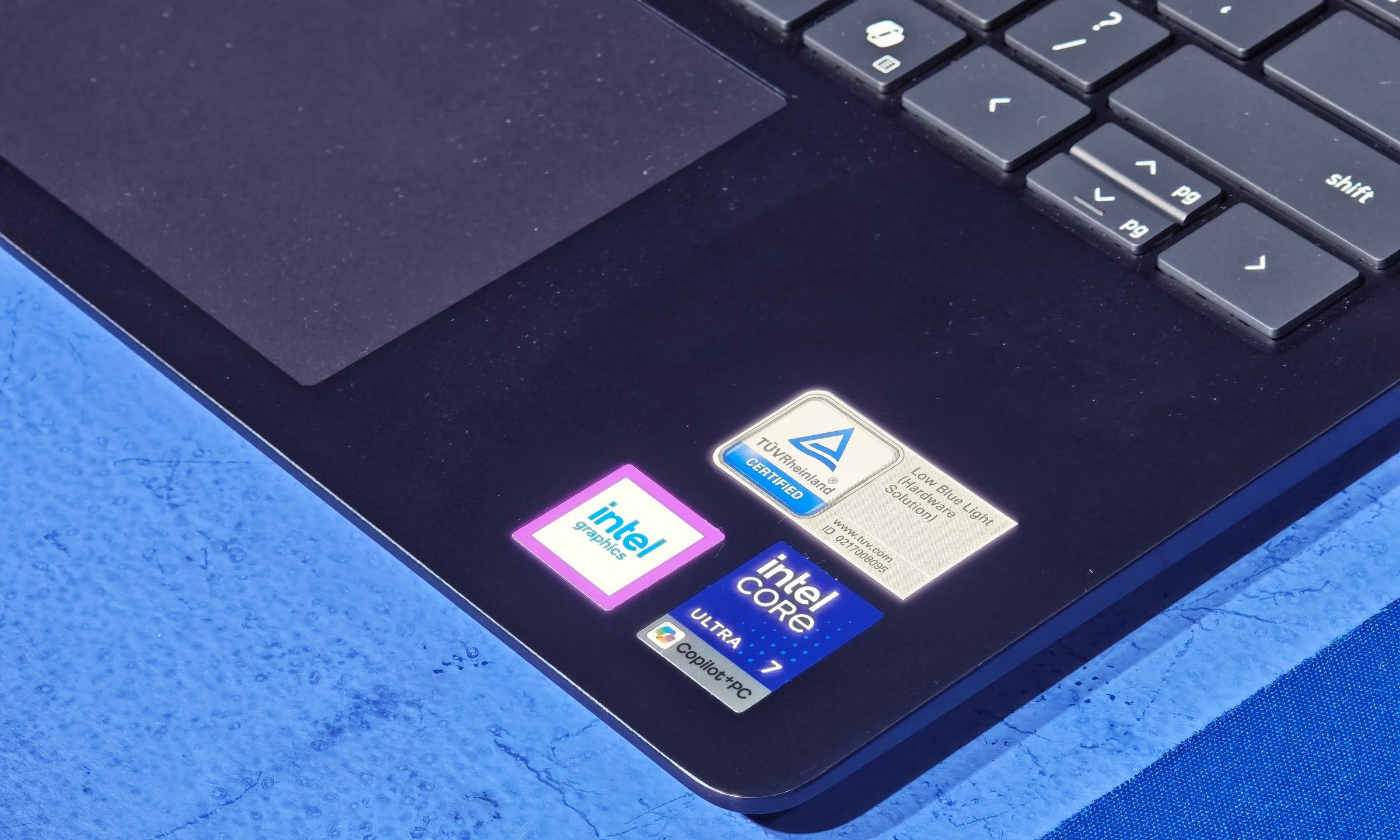
The Dell 14S unit on display used an Intel Core Ultra 7 355, while the 16S carried the Core Ultra X7 358H with Intel Arc B390 graphics. The X7 configuration is particularly handy for users who need stronger integrated graphics for creative applications, light gaming, and GPU-accelerated workloads. My recent experience reviewing the XPS 14 gives me reason to be optimistic about this class of Intel hardware, although these laptops will need proper testing before I can judge their sustained performance.
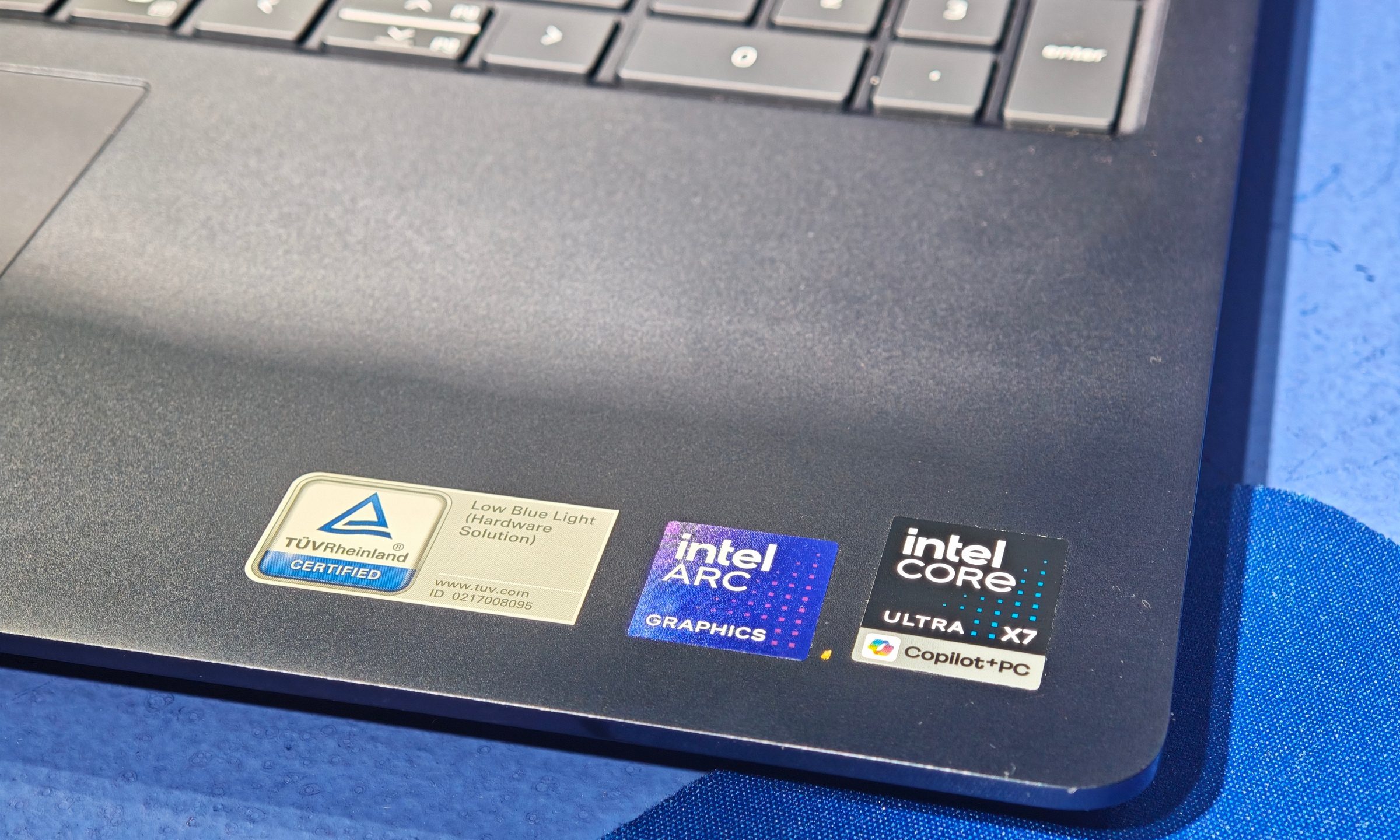
Dell offers a wide processor range, stretching from the six-core Core Ultra 5 322 to the 16-core Core Ultra 9 386H. Memory options include 16GB or 32GB of LPDDR5X, while storage runs from 512GB to 2TB. The 70Wh battery is another advantage over the XPS 13’s 52Wh unit. The extra capacity should help balance the faster processors and larger screens–but again, battery life will depend heavily on the chosen panel and chip.
Things like fan noise, thermals, and performance would still need detailed testing. So those conclusions will have to wait until the laptops arrive for a full review.
The 14S is the early standout
The Dell 16S has an obvious audience. Its expansive screen, numeric keypad, and available Core Ultra X7 graphics make it the more suitable choice for power users who value workspace over portability. The 14S offers most of the same advantages in a more manageable package. It carries the same 70Wh battery, supports the same broad processor family, has OLED options, and provides the complete port selection. Better yet, it is also more affordable.
This combination made it the early standout for me. It has more room and potential horsepower than the XPS 13 while remaining practical enough for daily commuting. Dell’s new XPS 13 showed me that affordable Windows laptops can still look polished. The 14S and 16S take that idea further, adding the hardware and display choices needed by users whose workloads demand more.