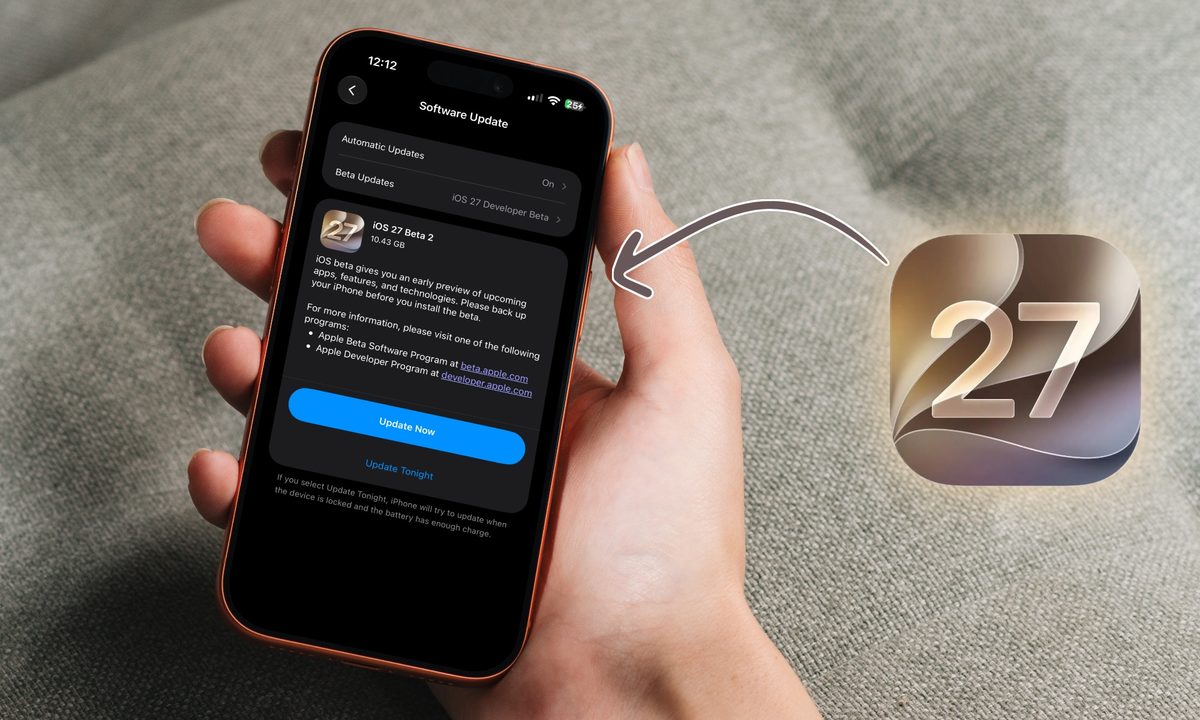
Apple has released the second developer beta for iOS 27, just two weeks after beta 1 dropped. Alongside it, the company also pushed out beta 2 for iPadOS 27, macOS 27 Golden Gate, and more.
in this article, we are going to focus on all the new features that you get with the iOS 27 developer beta 2 update. Beta 2 is a smaller update than the first one, but it packs a good mix of fresh features and welcome bug fixes. The headline change for me is how much faster Siri feels, but there is plenty more to dig into.
If you are running the beta, here are all the new features and fixes worth knowing about.
Siri finally stopped dragging its feet
The first thing you will notice after updating is how much snappier Siri feels. Everything happens quicker, whether you are asking it to write a story set an alarm, or send a message. You will feel it every single time you use Siri, and it makes a big difference throughout the system.
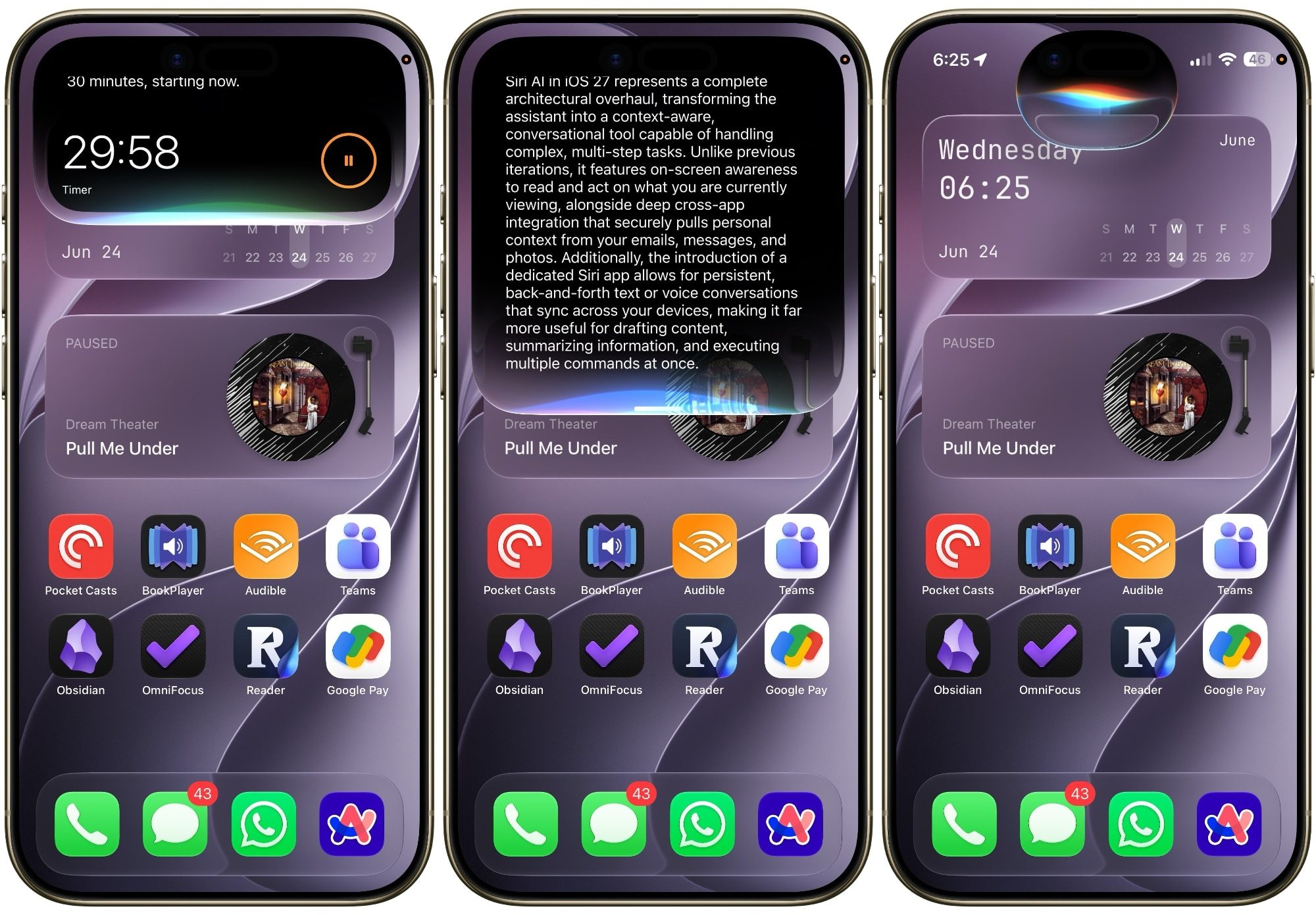
Siri AI was good in developer beta 1, but it was really slow. Beta 2 has solved this issue for me. Now, I am actually enjoying using Siri on my iPhone. Other than the speed upgrade, there are some cosmetic changes too. Siri bubble popping out of the Dynamic Island is a touch smaller than before, and the settings menu got a cleanup.
The crop bug that drove me insane is dead
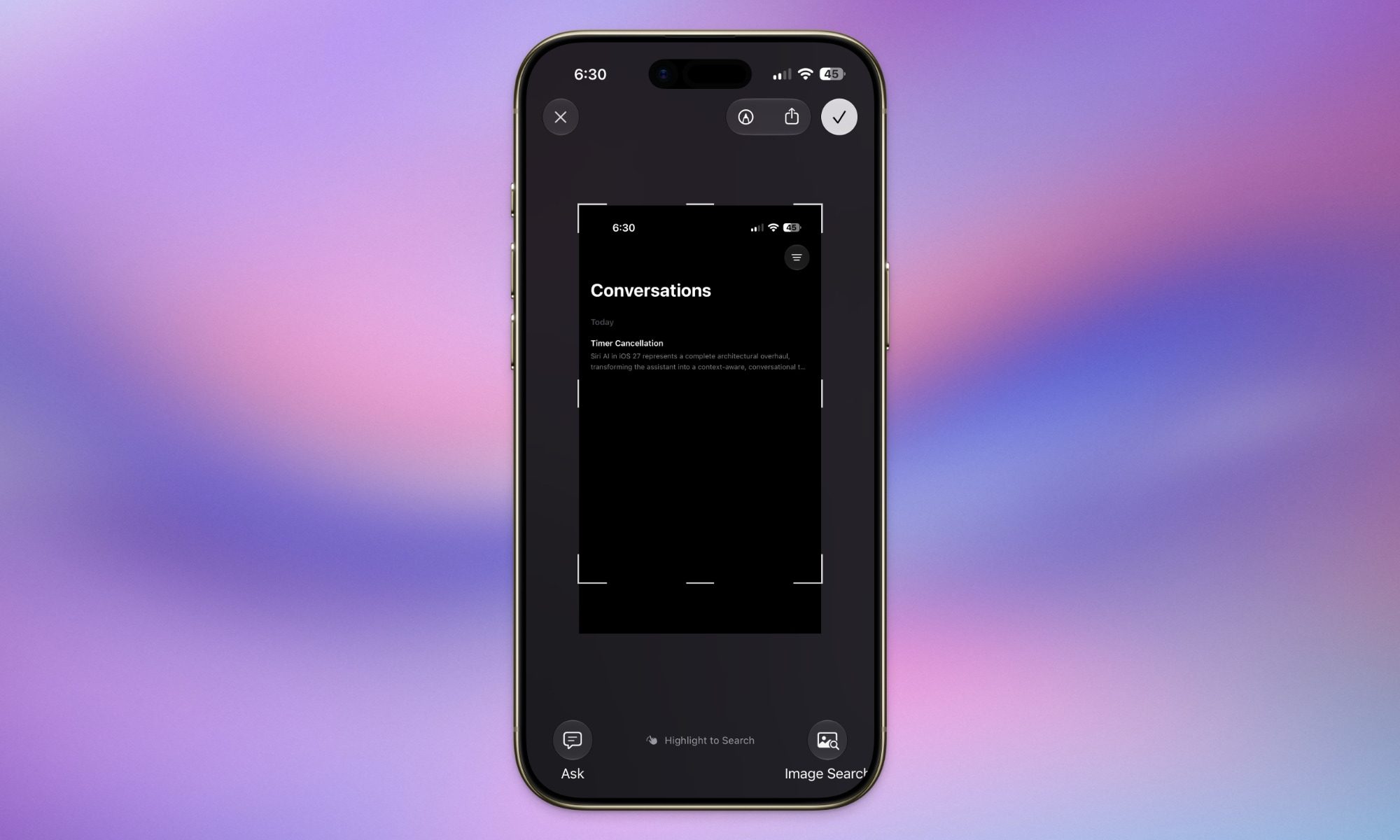
In iOS 27 developer beta 1, when you cropped an image and saved it to Photos, it would save the full screenshot instead. As someone who takes lots of screenshots, this one bug was enough to drive me mad. Thankfully, beta 2 fixes this, so your crops now save exactly as you cropped them.
A couple of other annoying bugs got squashed, too. The wallpaper clock no longer resets to default when you customize it, and grammatically wrong words no longer turn invisible when underlined. Now you see the word, tap it, and jump straight into the proofreading menu.
Write with Siri is now a tap away
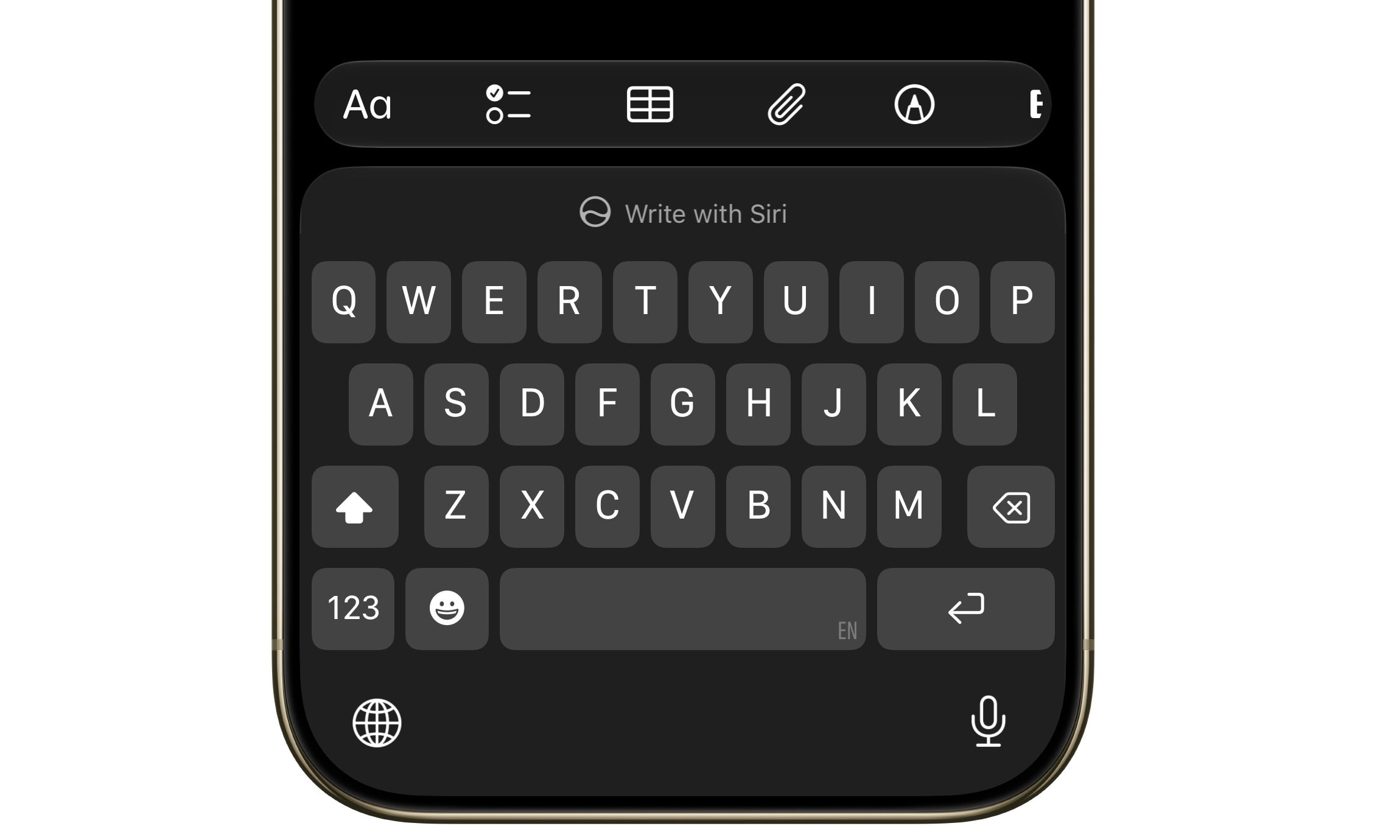
Open the keyboard anywhere across iOS, and you will spot a new Write with Siri option sitting in the predictive text window. It gives you quick access to Write with Siri, making it easier to get started on a blank page.
Visual Intelligence learns a new trick
Below the ChatGPT extension in Siri settings, there is a brand new Visual Intelligence menu. It has one simple option called Highlight to Image Search, and it is turned off by default.
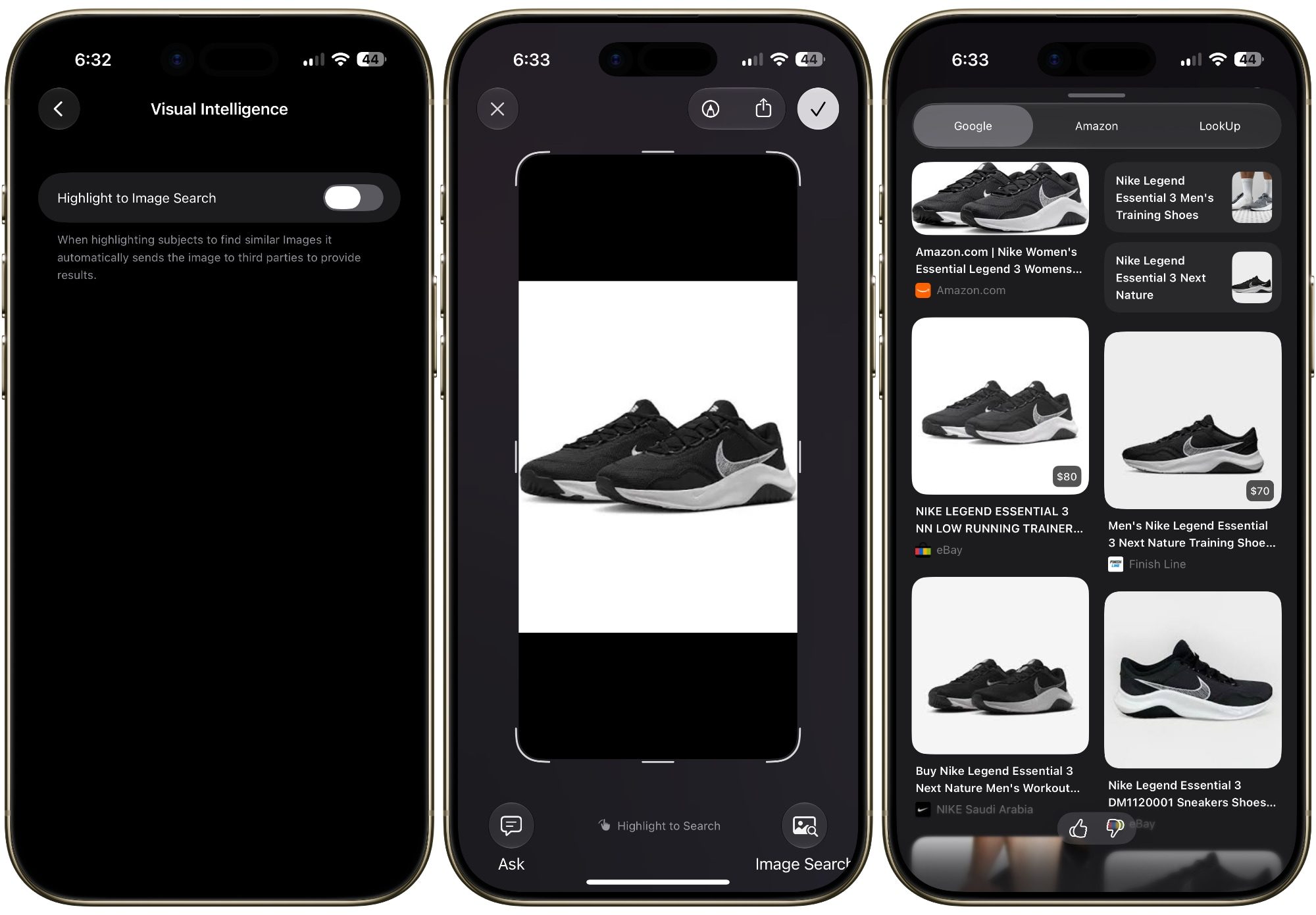
Flip it on, and when you screenshot something and circle it, the system instantly runs a reverse image search to find similar images. It saves you a step if you are trying to figure out where something is from.
Wallet wants to track where your money goes
If you head into the Wallet app and tap the three dots in the top corner, you will find a new “Insights” menu. This lets you connect your accounts to see spending insights, recurring transactions, account balances, and more right inside the native app.
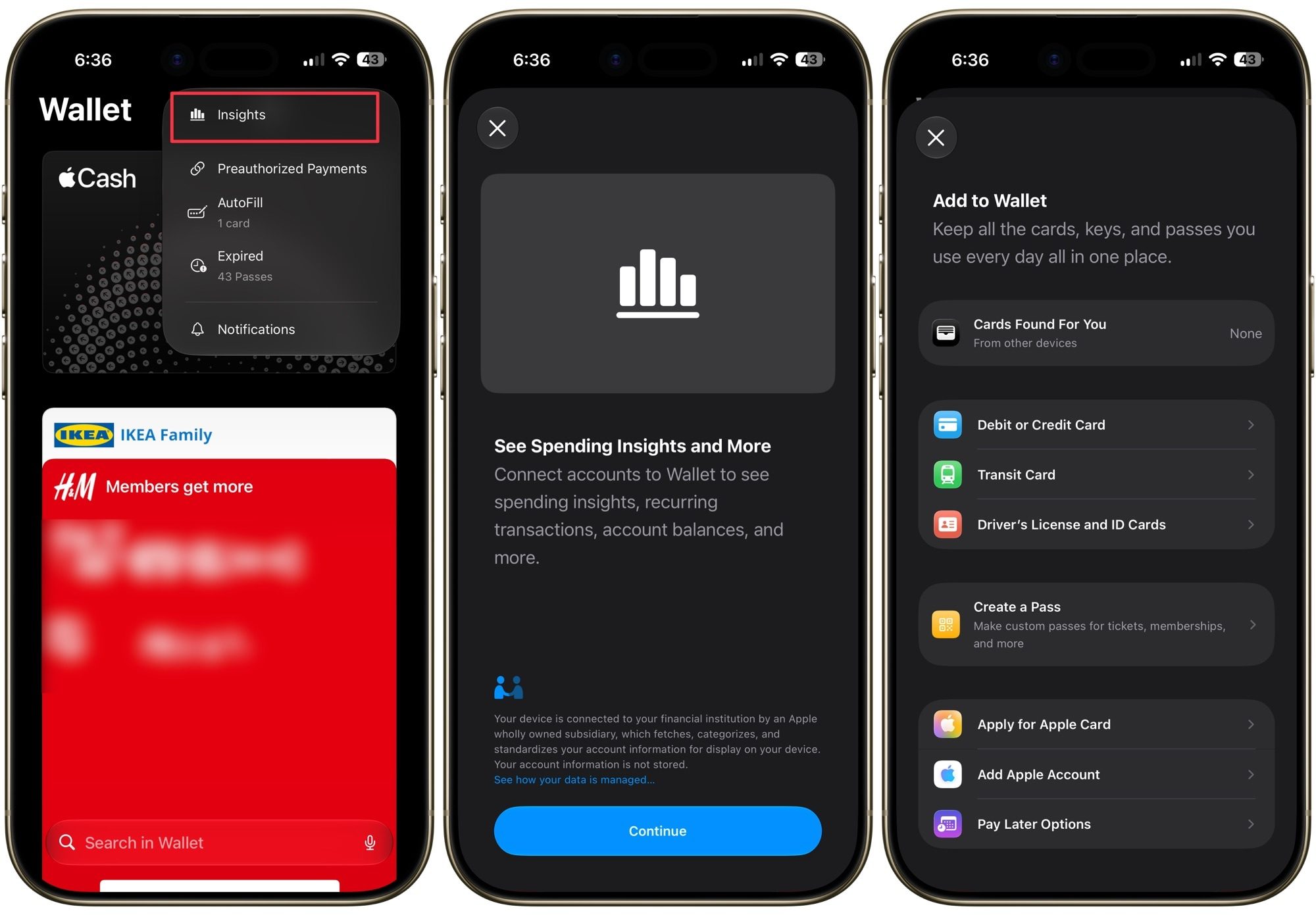
This could spell trouble for a lot of third-party apps that track your subscriptions and spending. It seems to be rolling out slowly, as I could not get it to work on my iPhone. But it’s a feature worth keeping your eye on.
Texting your Android friends just got better
If you text people on Android, beta 2 brings a welcome upgrade. You can now reply inline to RCS messages, and when you react to a message, the Android user will see the exact reaction you used instead of a clunky description. It is a small touch that makes cross-platform texting feel a lot less broken.
A few smaller wins you should not miss
There are plenty of little tweaks scattered around. You can now update your Apple TV directly from the Home app on your iPhone, something we have never been able to do before. The Liquid Glass effect also got a subtle quality bump.
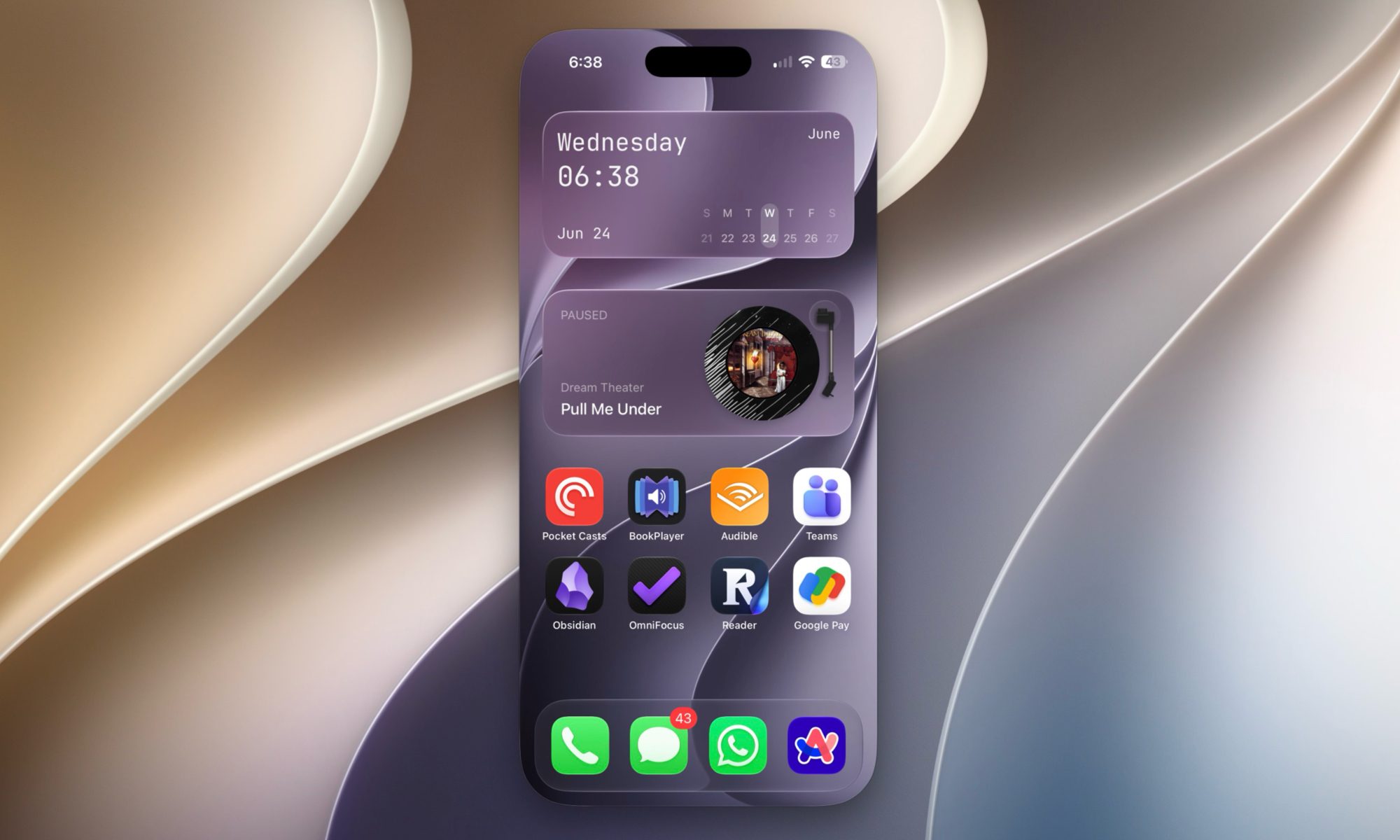
The crop bug aside, iPhone Mirroring, which was completely broken in beta 1, actually works again in beta 2. There is also a new Move To option in Photos, and the AI editing tools now work with RAW images, too.
Should you install it?
Performance feels better to me on my iPhone Air, and the update seems stable for a beta. That said, it is still a beta, so things will break and things will change. If you only have one device and cannot risk the bugs, I would hold off until the public beta, which should land around mid-July.
If you can live with the occasional hiccup, though, beta 2 is a solid step up from the first release and worth a look.