  1. Home
  2. Phones
  3. News

Samsung makes it easier to run multiple apps on Galaxy Z Flip 8’s cover screen

Samsung's Galaxy Z Flip 8 now runs 16 apps on its cover screen.

Add as a preferred source on Google
Galaxy Z Flip 8 cover display
Nadeem Sarwar / Digital Trends
galaxy unpacked 2025
This story is part of our Samsung Galaxy Unpacked 2026 coverage
Updated less than 2 hours ago

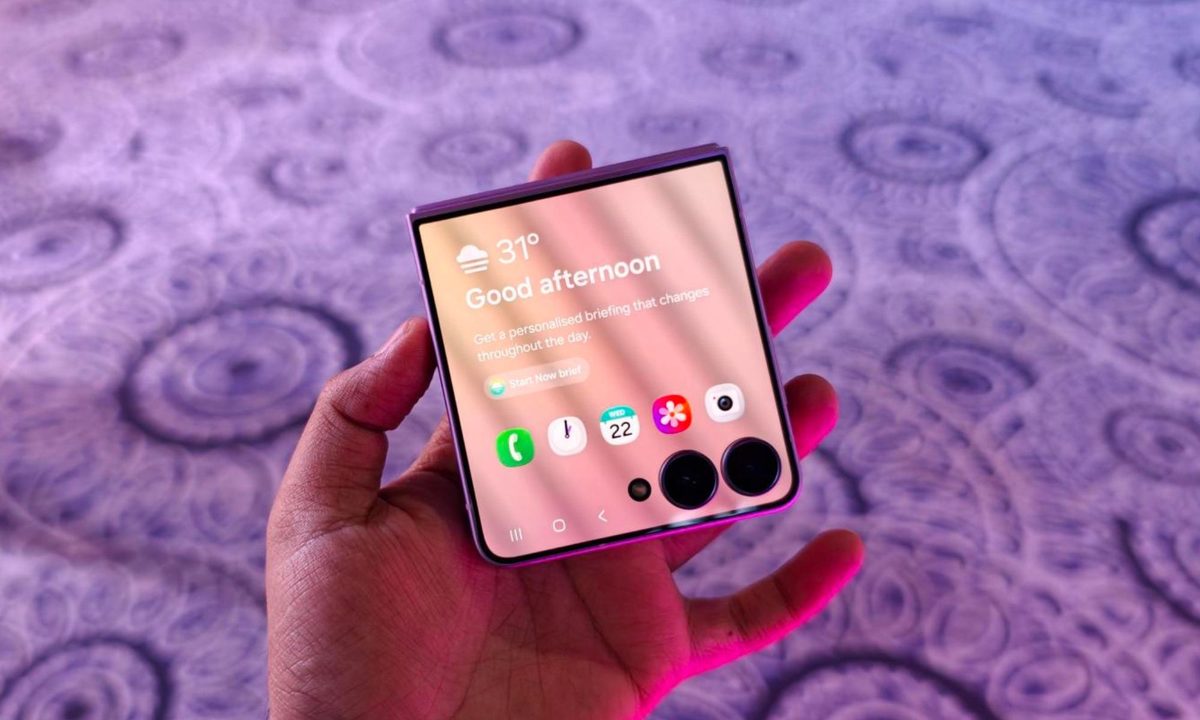
Samsung is finally making the Galaxy Z Flip’s cover screen much more useful. With the new Galaxy Z Flip 8, you no longer have to rely on workarounds to access more apps without unfolding the phone. Instead, Samsung has expanded native support on the FlexWindow, allowing 16 apps to run directly on the outer display and also making it much easier to launch virtually any other app.

The update addresses one of the biggest complaints Flip users have had for years and brings Samsung up to the level of rivals like Motorola, whose Razr series has long offered a more flexible cover screen experience.

Which apps can you use on the Galaxy Z Flip 8 cover screen?
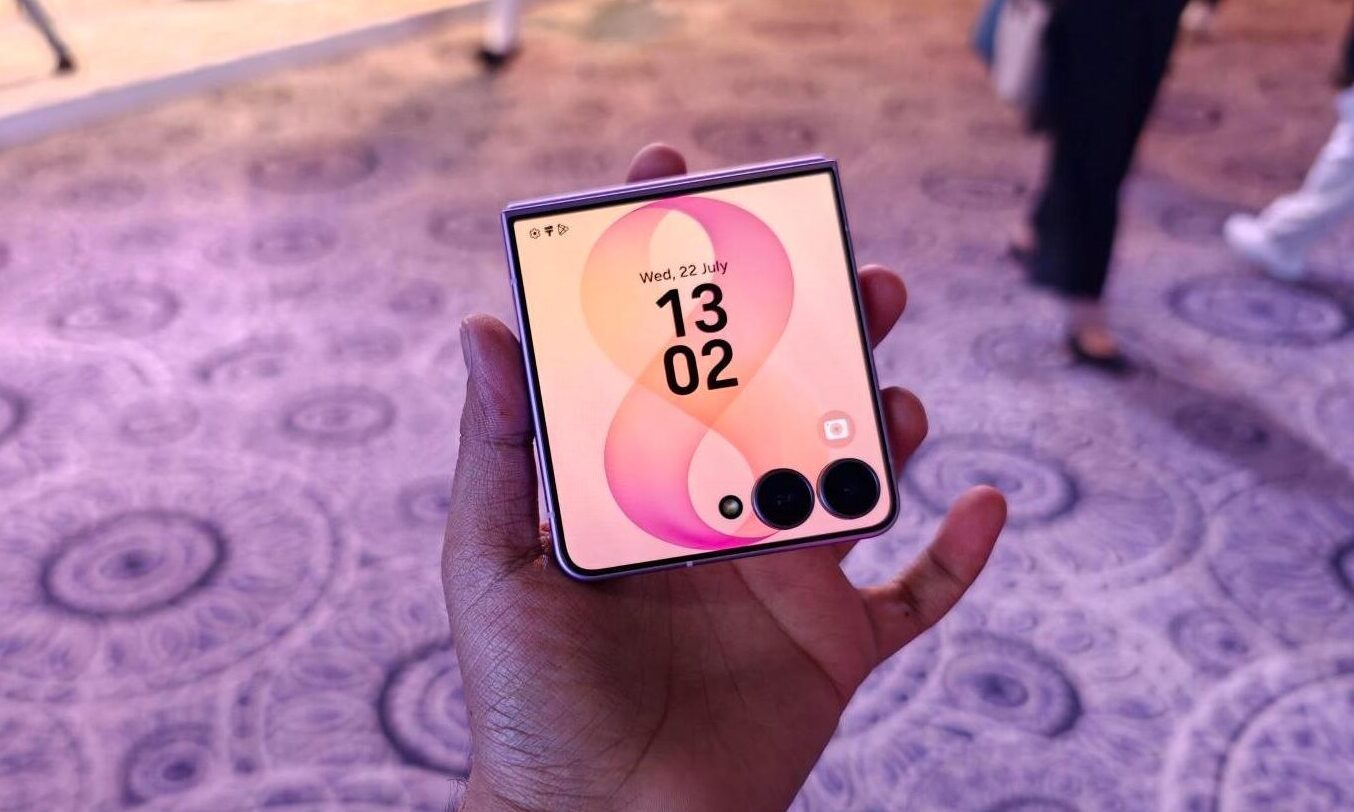
Samsung ships the Z Flip 8 with 16 apps supported out of the box. 12 of them are fully optimized system apps, including Bixby, Samsung Browser, Calculator, Calendar, Camera, Clock, Contacts, Gallery, Samsung Health, Notes, Phone, and Voice Recorder, all accessible through a native app drawer.

Recommended Videos

The remaining four are third-party apps that matter for daily use. Google Maps, Google Messages, Netflix, and YouTube are grouped under a section called Labs, although Samsung notes that the experience may not always be perfect. Samsung also improved Now Bar and Now Nudge for quicker glanceable access.

What if your favorite app is not officially supported?

Samsung has not removed the option to run unsupported apps. Instead, it has made the process much easier. The Good Lock MultiStar module is still required for apps that are not officially optimized, but the Galaxy Z Flip 8 now shows a prompt on the cover screen that helps you install and set it up. Older Flip models required users to search through settings while the phone was unfolded, making the feature less obvious.

Android Authority also reports that Samsung plans to bring this updated cover screen experience to the Galaxy Z Flip 7. However, it is still unclear whether older Galaxy Z Flip models will receive the same improvements through a future One UI 9 update.

Manisha Priyadarshini
Manisha Priyadarshini is a tech and entertainment writer with over nine years of editorial experience.
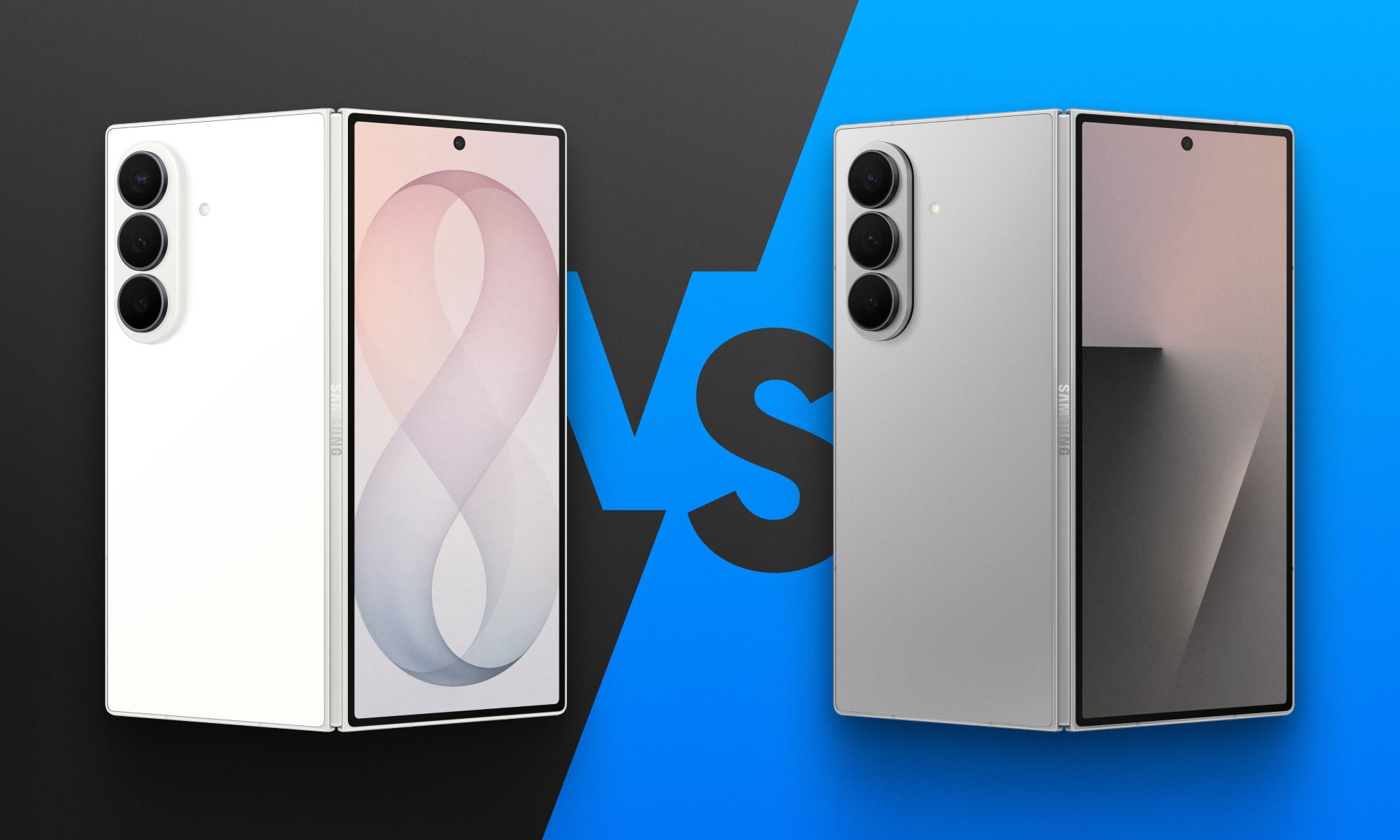
Fold 8 Ultra vs. Fold 7: Upgrades across the board, but is the Ultra really worth the upgrade?
From battery capacity to camera hardware, here's a full comparison between the Galaxy Z Fold 8 Ultra and Galaxy Z Fold 7, and whether upgrading actually makes sense.
Galaxy Z Fold 8 Ultra vs. Fold 7

Foldables age differently than regular smartphones or flagships. But why do I say this? It's the hinge and the foldable aspect that wins buyers over in the first place, not the specifications that get outdated every single year. That's precisely why anyone still carrying last year's Galaxy Z Fold 7 is asking a fair question today: does Samsung's freshly unveiled Z Fold 8 Ultra genuinely earn an upgrade, or does the Fold 7 still hold its ground?

And for shoppers who skipped last year's model entirely and are weighing their first foldable purchase, the calculus is totally different. A now-discounted Fold 7 might undercut the Ultra by a considerable sum, and that could matter to those looking to spend on the form factor, not the latest specifications. 

Read more
Google just made switching from iPhone to Android much easier with Android 17
Android 17 can now transfer your passwords, passkeys, eSIM, and even your home screen.
Android-17-switch-ios-to-android

Moving from an iPhone to an Android phone has never been an easy process, but Google is trying to change that. With Android 17, the company has introduced a rebuilt Android Switch that can move far more of your data than any past version ever could.

Google worked with Apple to create the new transfer system from the ground up, allowing far more information to move wirelessly than before. The upgraded experience is already rolling out to eligible Pixel devices and is also available on Samsung's new Galaxy Z Fold 8 and Galaxy Z Flip 8 through Smart Switch.

Read more
WhatsApp’s new in-car experience is built around hands-free control
CarPlay and Android Auto users can now hear and reply to messages, view call history, and reach favorite contacts without touching their phone.
WhatsApp new CarPlay experience featured

Meta is overhauling how WhatsApp works in the car, giving CarPlay and Android Auto users a lot more to do than just sending texts and making calls. The company announced the change in a newsroom post today, alongside several other updates rolling out to the messaging app.

WhatsApp finally works hands-free in the car

Read more