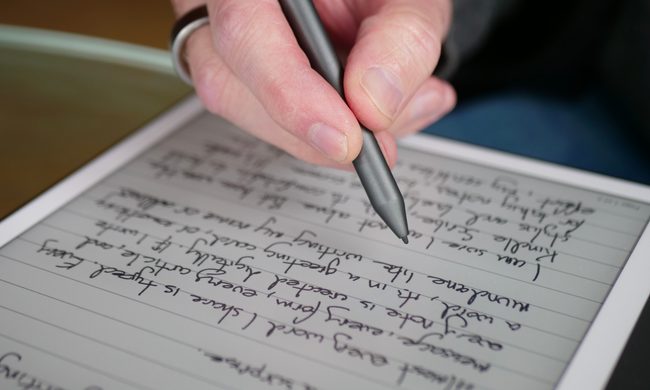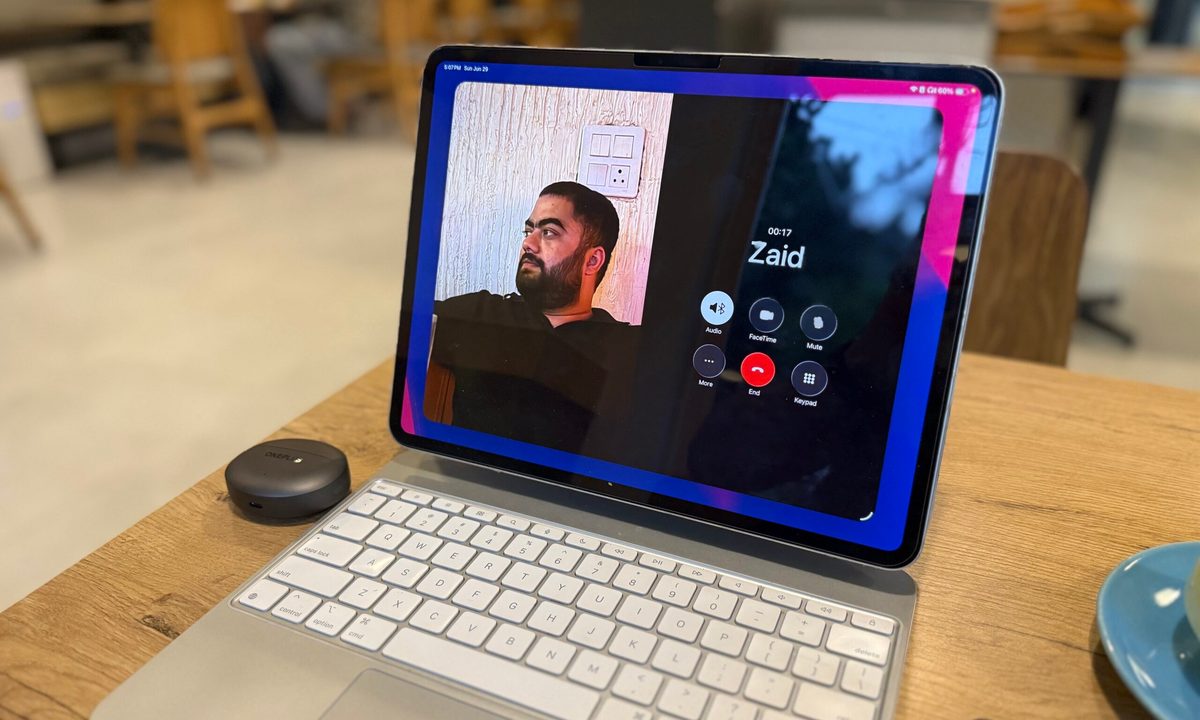

A semester’s worth of notebooks, printouts, and loose assignment sheets can turn your backpack into hefty luggage. This is where the iPad steps in, not by making your reading list shorter, but by making your academics less cluttered. Add an Apple Pencil, and the same tablet can handle handwritten lecture notes.
It’s not all work and no play, as the iPad can double as a handheld gaming console or streaming device. But at the end of the day, the real question is, “Which one is right for you?” With the various models under its belt, Apple has an iPad for everyone. It currently sells four very different iPads and two relevant Pencil models, with compatibility changing depending on the tablet.
My advice is to buy the least expensive iPad that comfortably supports your coursework. Another thing to keep in mind is compatibility. While the USB-C Apple Pencil works with every iPad listed below, the Apple Pencil Pro supports the M4 iPad Air, M5 iPad Pro, and A17 Pro iPad mini. Meaning, it doesn’t work with the standard A16 iPad. So with that out of the way, here are the best iPads to consider.
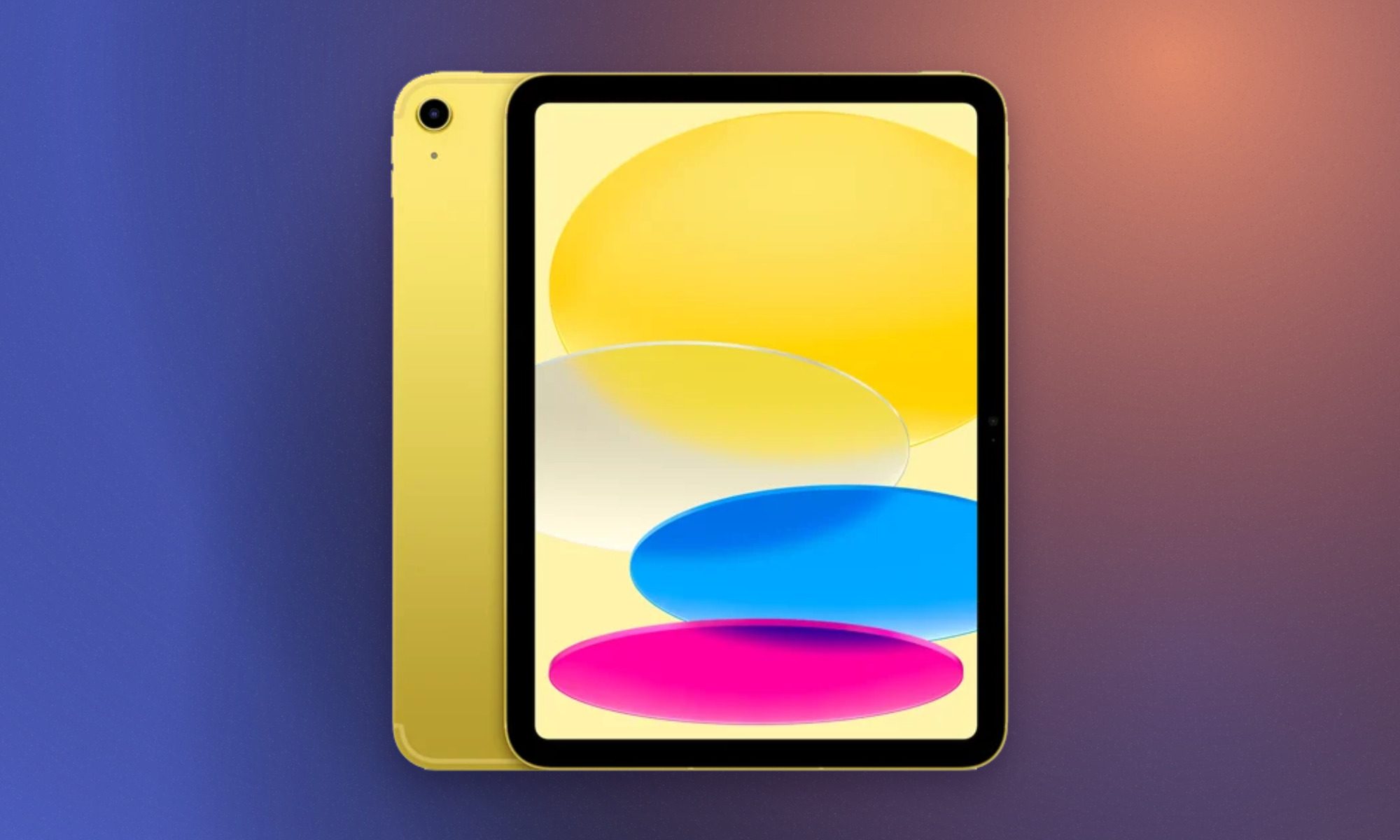
Apple iPad 11-inch with A16
- Clean design and premium build
- Sharp display for the price
- Plenty of A16 silicon firepower
- 128GB storage for the same price
- Battery life doesn’t disappoint
- Accessories are a little too pricey
- No Apple Intelligence or Stage Manager
- Stylus support is outdated
- Non-laminated display, again
- Slow charging
The standard iPad is the sensible pick for students who need a digital notebook, which can be used as a research and entertainment device without spending laptop money. Its A16 chip comfortably handles web browsing, video calls, photo editing, and even gaming. Apple also doubled the starting storage to 128GB, providing far more breathing room for downloaded lecture recordings and offline videos.
This model is our best overall pick for most people. The upgraded storage, solid battery endurance, and great performance in particular make it worth considering. It would’ve been an even more attractive package if Apple packed it with a display that goes past 60Hz and offered an anti-reflection coating. One big omission is Apple Intelligence, but for students whose workload centers around notes, documents, and media consumption, these limitations aren’t a deal breaker for under $450.
Apple iPad Air 11-inch with M4
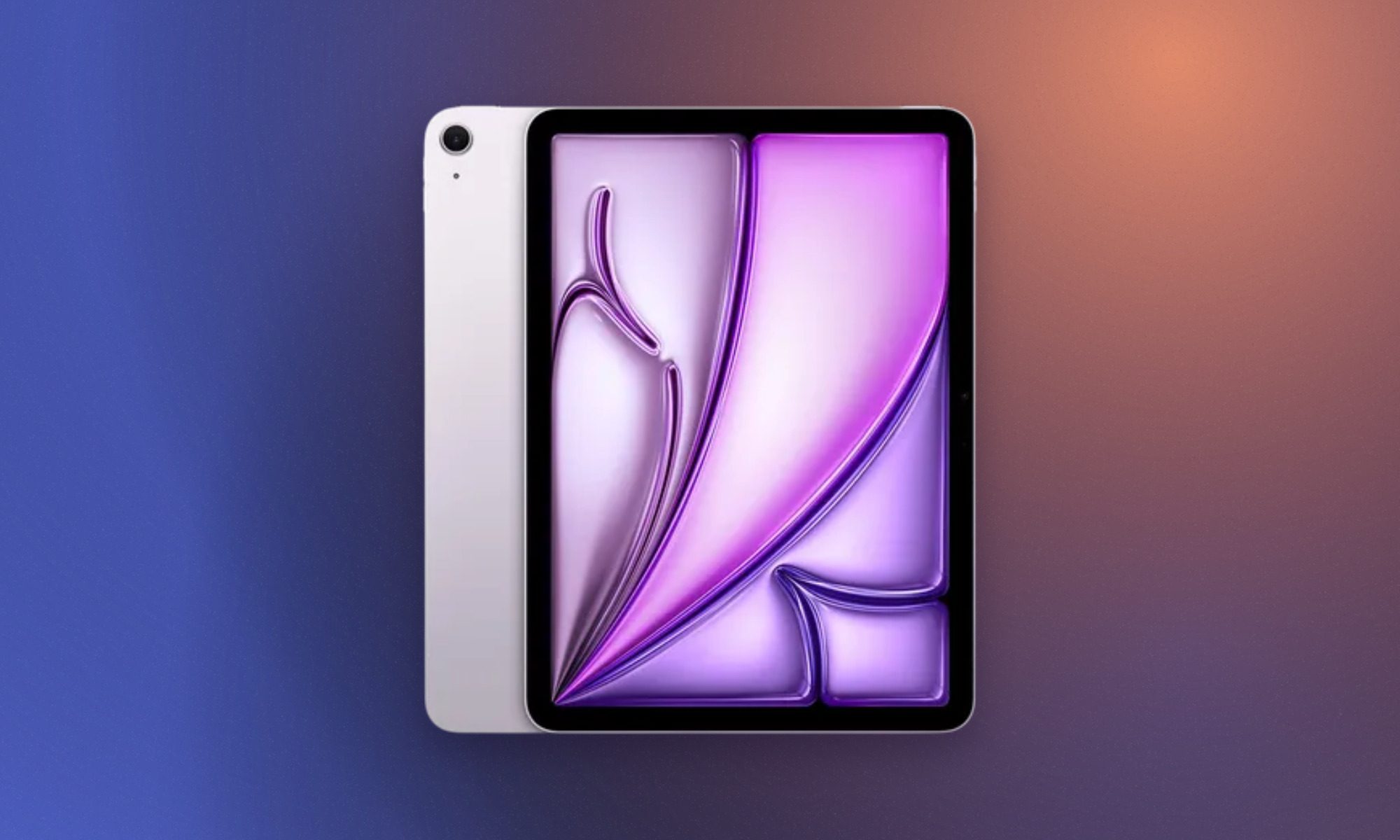
- Powerful desktop-grade M4 processor performance
- Upgraded 12GB memory enhances multitasking
- Landscape orientation front-facing camera layout
- Excellent performance-to-price value ratio
- Lacks fluid 120Hz ProMotion display
- No biometric Face ID support
- Expensive official keyboard and pencil
The latest iPad Air is the sweet spot for students who expect their tablet to cover several years of increasingly demanding coursework. Its M4 chip and 12GB of unified memory provide enough headroom for illustration, CAD work, photo editing, music production, programming tools, and more intense workflows. The fully laminated Liquid Retina display supports P3 wide color and has an anti-reflective coating, making it considerably better for drawing and visual work than the standard iPad.
This is the entry-point to Apple’s premium tablet lineup, and I can easily recommend it. Apple Pencil Pro and Magic Keyboard support also let the Air shift between handwritten notes, creative input, and laptop-style typing. Apple continues to reserve 120Hz ProMotion and OLED technology for the Pro, which makes the Air’s 60Hz screen conspicuous at this price. The 128GB base configuration can also fill quickly with large creative projects. Even with those limitations, the Air offers a stronger combination of portability and processing power than any other iPad in the range.
Apple iPad Pro 11-inch with M5
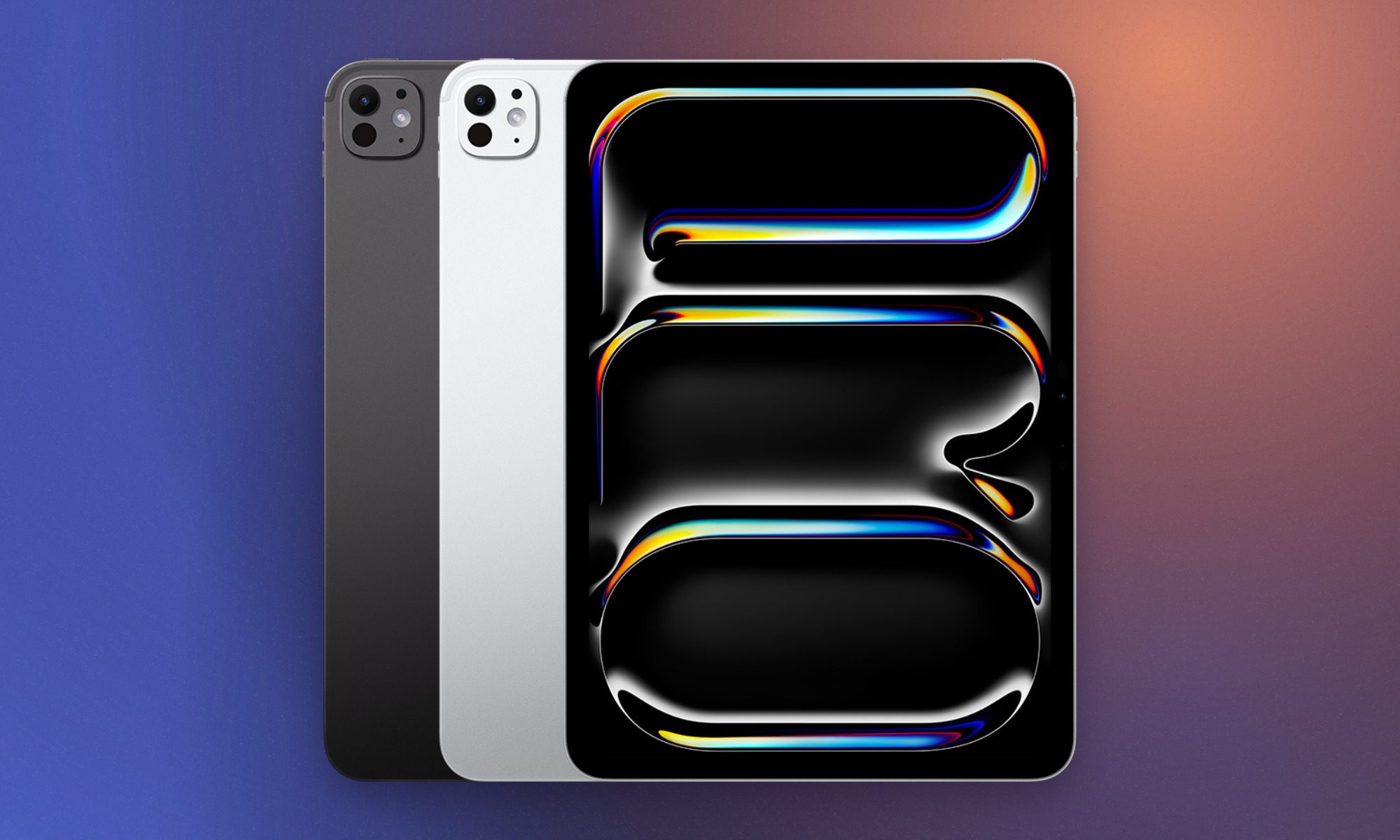
- Incredible M5 chip performance
- Upgraded 12GB base RAM capacity
- Stunning Tandem OLED display
- Super slim, lightweight design
- Very expensive with accessories
- iPadOS still limits laptop replacement
- Design unchanged from previous generation
If you were to ask me who even needs the iPad Pro, the answer is pretty specific. It belongs in the hands of animators, filmmakers, architects, and other design students who can genuinely use its cutting-edge hardware. Its tandem OLED Ultra Retina XDR display combines perfect blacks, a 120Hz ProMotion refresh rate, P3 color, and up to 1,600 nits of peak HDR brightness. That panel alone makes it superior to most tablets in the market.
It is also well suited to color-sensitive artwork, HDR video, detailed photo editing, and most importantly, Pencil-heavy creative process. The M5 chip adds enormous processing and graphics capability, while Thunderbolt connectivity supports fast external storage and high-resolution displays. Pick the Wi-Fi configuration if you’re trying to get the best possible deal, but you’ll have to rely on the campus internet or your smartphone for internet connectivity.
Add the Magic Keyboard and Apple Pencil Pro to the list, and the complete setup can cost just as much as a premium laptop. Though the Pro has earned that expense with the specialized hardware that it offers. It’s not for light work, clearly.
Apple iPad mini with A17 Pro
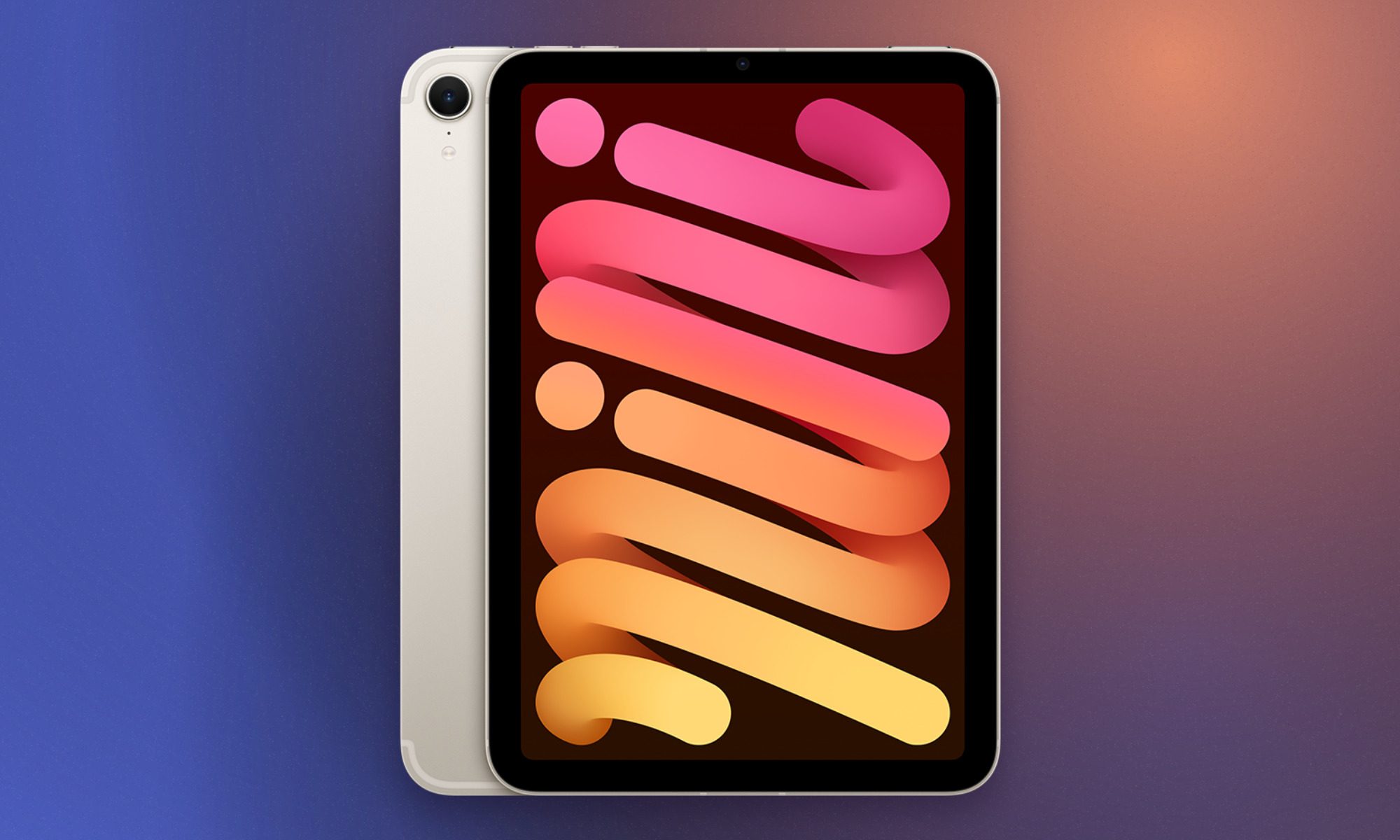
- Ultra-portable compact form factor design
- Fast A17 Pro performance capabilities
- Supports Apple Intelligence feature suite
- Apple Pencil Pro support integration
- Outdated 60Hz screen refresh rate
- Lacks M-series desktop-grade processor
- Thick display bezels look dated
Lecture halls do not always provide enough desk space for your laptop or large-sized tablet with a complete setup. The iPad mini solves this problem with a more compact 8.3-inch screen and a body that weighs just 0.65 pounds. So it easily slips into a small bag, sits beside a laptop, or is held in one hand while you annotate a document with the other.
Packing the A17 Pro, you get access to Apple Intelligence and demanding apps, while the laminated P3 display offers a more direct Pencil experience than the standard iPad. Apple Pencil Pro compatibility makes the mini especially appealing for quick diagrams, field notes, and sketching. In our review, we were particularly impressed by its portability and unexpectedly capable performance.
But the compact display does reduce the space available for windowed multitasking. Writing long essays on an attached keyboard is also less comfortable than using an Air or Pro. For students who already own a laptop and want a portable companion for notes and reading, the mini may be the most useful iPad in the entire lineup.
Apple Pencil with USB-C
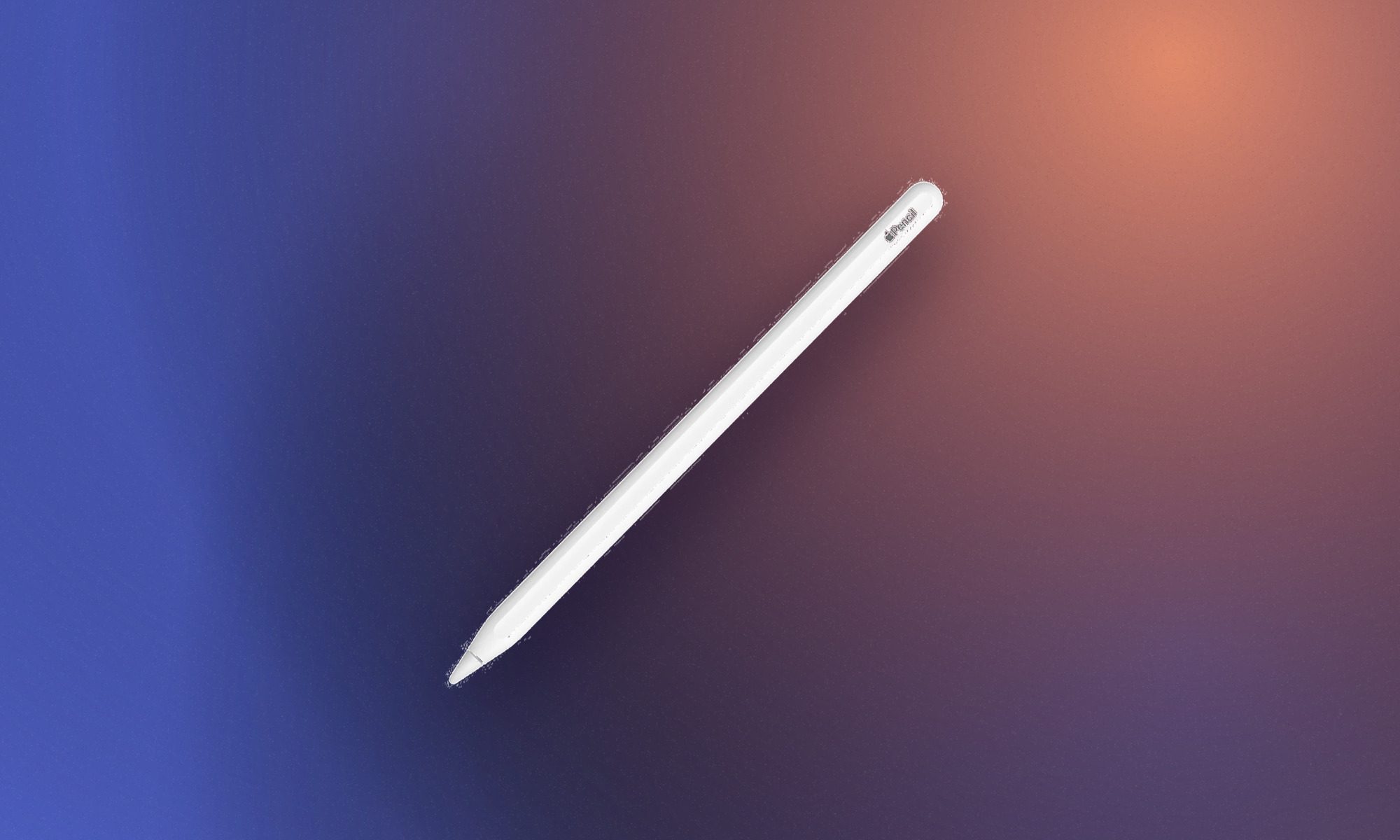
- Most affordable official Apple Pencil
- Universal USB-C charging port design
- Comfortable flat-edged ergonomic matte finish
- Attaches magnetically to iPad sides
- Completely lacks pressure sensitivity support
- No magnetic wireless charging capability
- Missing double-tap tool changing gesture
Most students buying an Apple Pencil use it for taking notes or sketching, which makes the Apple Pencil with USB-C a great affordable pick. It provides the same basic precision, low latency, palm rejection, and tilt support that make writing on an iPad feel so intuitive.
The Pencil attaches magnetically to compatible iPads for storage, although pairing and charging require a USB-C cable hidden beneath its sliding cap. Apple removes pressure sensitivity and the advanced gestures found on the Pro, which limits its appeal for illustrators and other creative students who adjust strokes through pressure. But for its price, I can easily recommend this stylus for everyday use. Its broad compatibility also eliminates much of the confusion surrounding Apple’s stylus lineup.
Apple Pencil Pro
- Haptic feedback provides tactile confirmation
- Squeeze sensor quickly opens tools
- Gyroscope enables dynamic barrel roll
- Find My network tracking integration
- Incompatible with older iPad models
- Can be knocked off magnetically
- Unchanged physical barrel exterior design
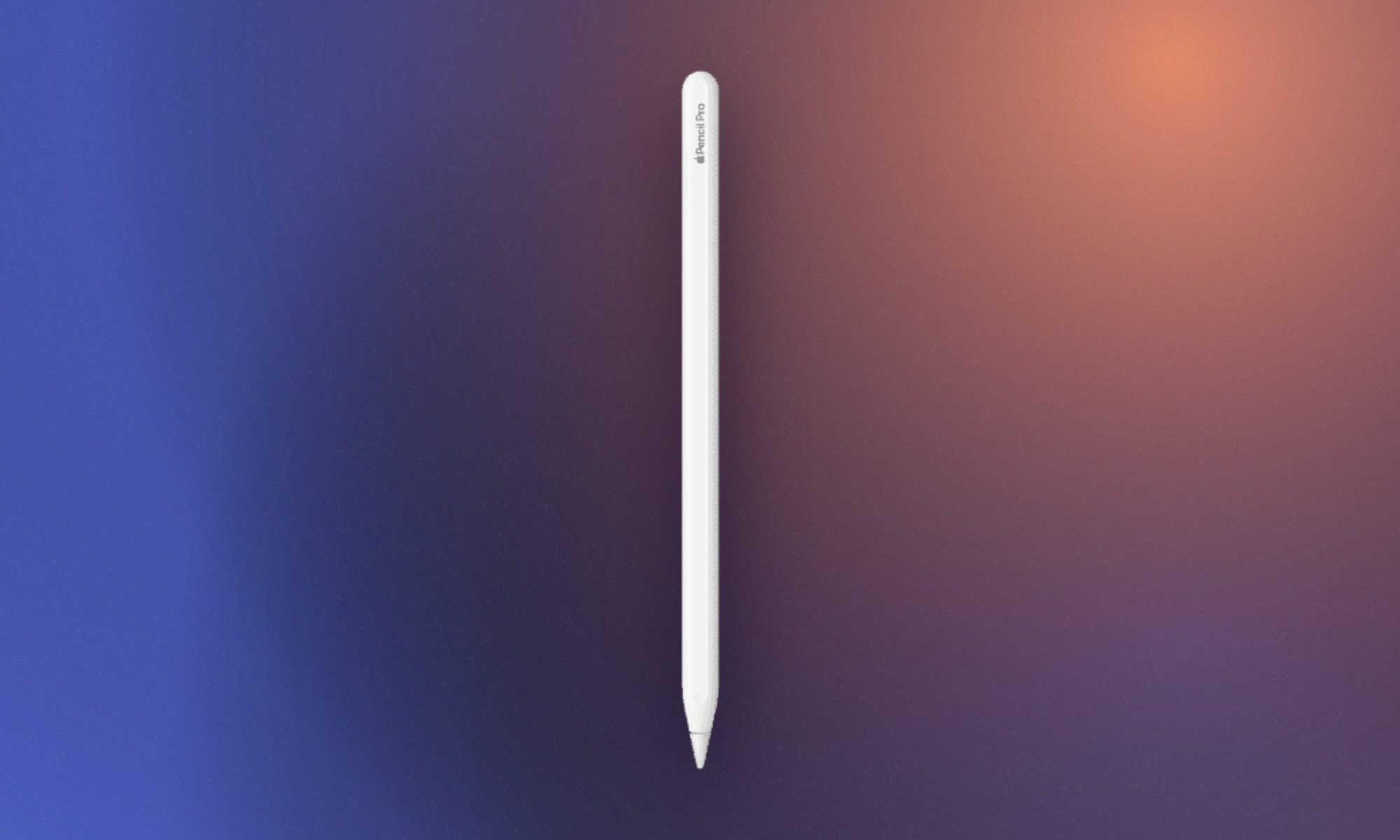
Apple Pencil Pro earns its name through controls that can genuinely elevate your experience with iPads. You get the everyday convenience of the regular stylus along with the added functionality that makes illustration, designing, and other creative work better. Squeezing the barrel opens a contextual palette, while double-tapping can swap between a pen and eraser.
Barrel roll tracks the Pencil’s rotation for shaped brushes, and haptic feedback confirms gestures without forcing you to look away from the canvas. It also pairs and charges magnetically, eliminating the USB-C cable required by the cheaper Pencil. Find My support provides some reassurance when a $129 accessory disappears beneath a pile of textbooks. Students whose work revolves around Procreate, Photoshop, animation, and other such work will really see the benefit.